Download the app
On iPhone
Search for the OPTRANS app on the App Store and download it. You can either open the app page or scan the QR code:
Download OPTRANS on the App Store

On Android, Samsung or Oppo
Search for the OPTRANS app on Google Play and download it. You can either open the app page or scan the QR code:
Download OPTRANS on Google Play

Signing in for the first time
-
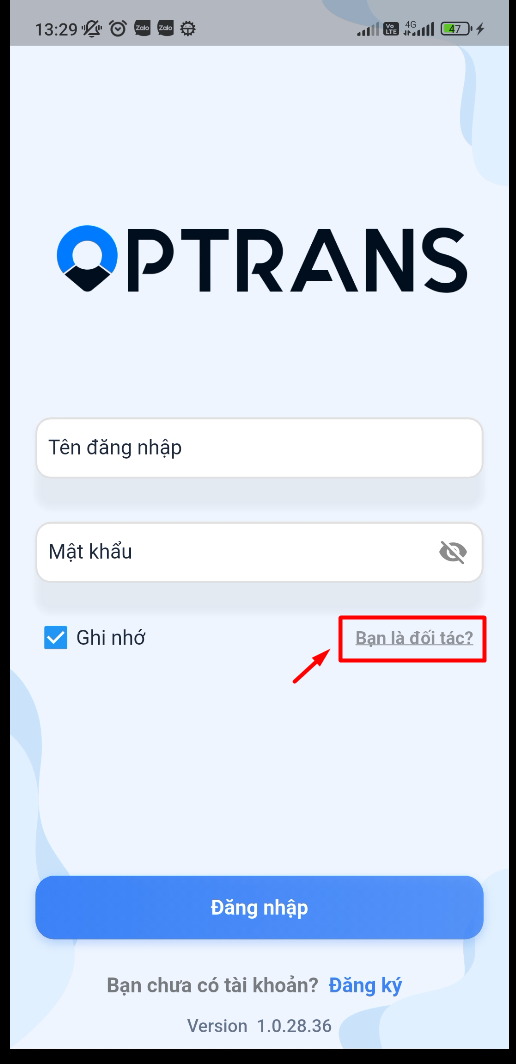
Open the app and select Are you a partner?
-
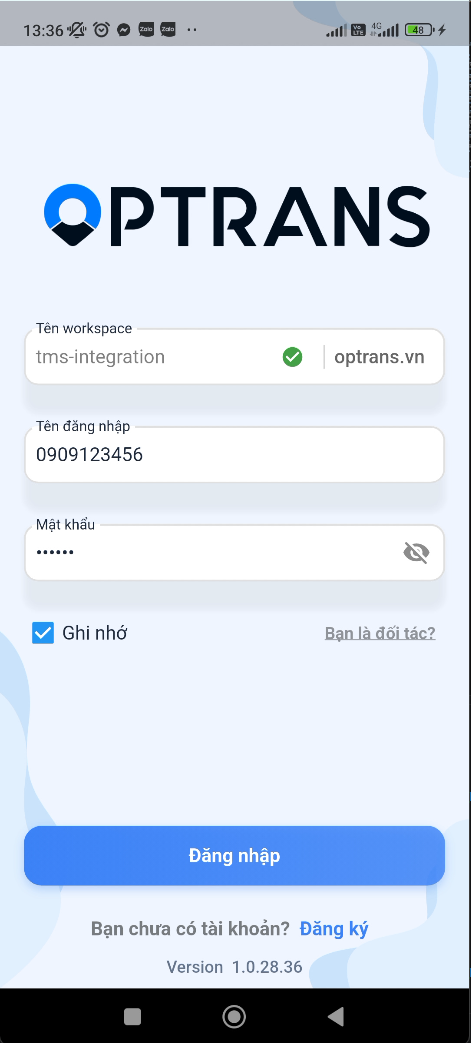
Enter the information you were given:
- Workspace:
your site name(for example: vantaiabc.optrans.vn –> enter “vantaiabc”) - Username:
the driver's phone number - Password:
provided by the administrator
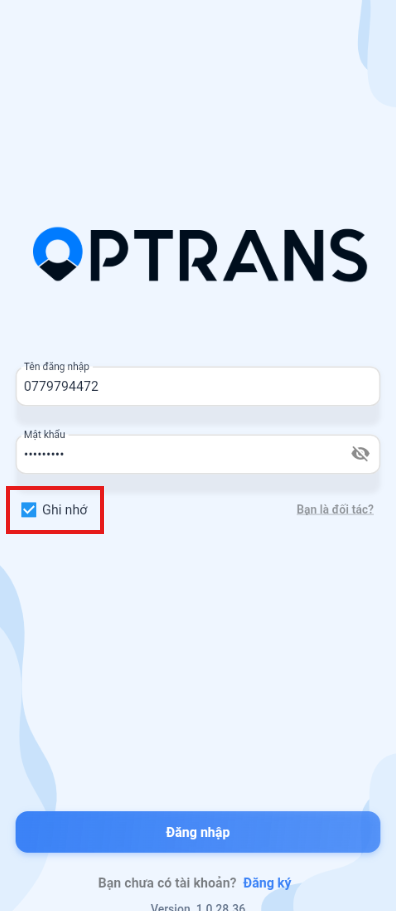
Select Remember me so the app signs you in automatically next time.
- Workspace:
Signing in again
Enter the phone number and password you were given, select Remember me if needed, then tap Sign in.
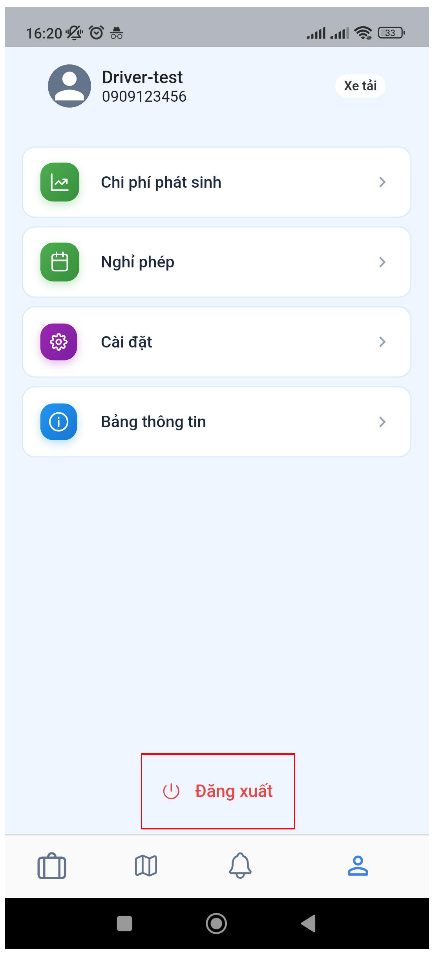
Signing out
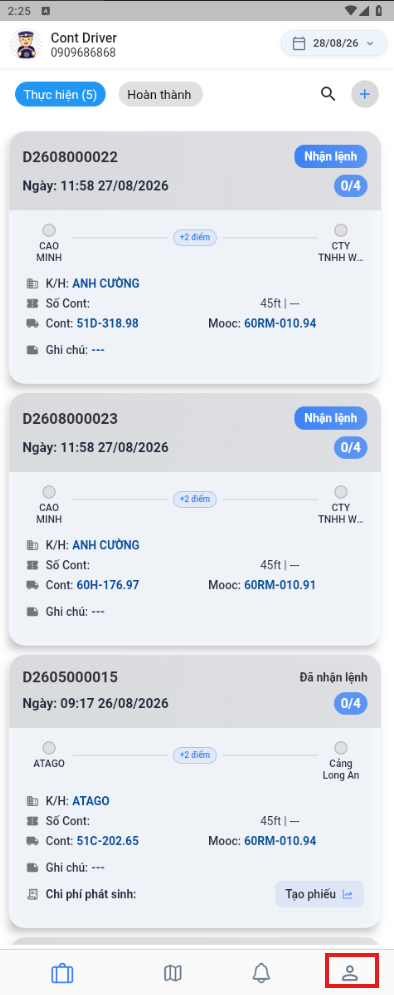
Open the Account management menu and select Sign out to leave the app.