Creating waybills
Step 1
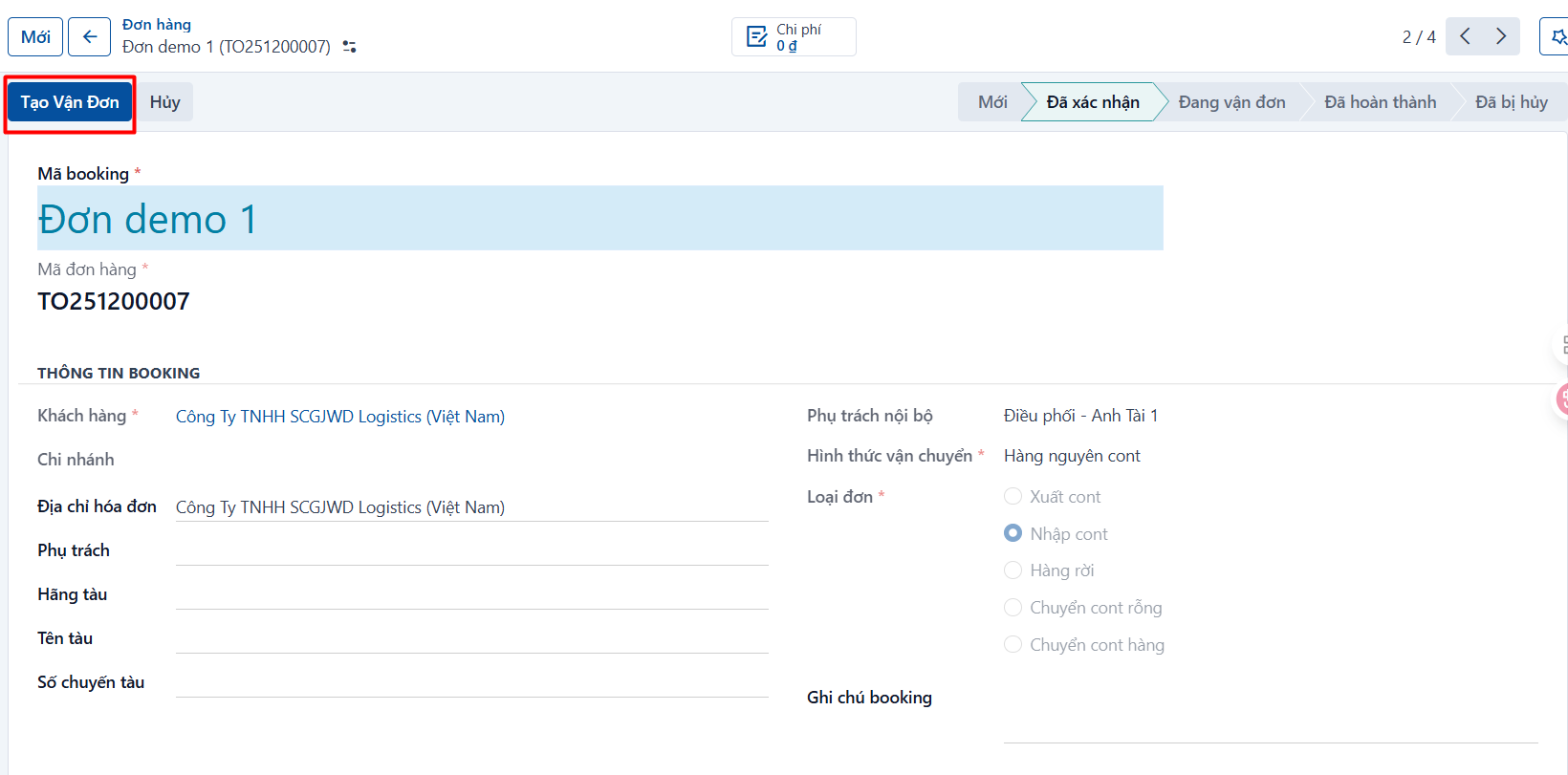
Open the booking — it has to be confirmed — → click CREATE WAYBILL.
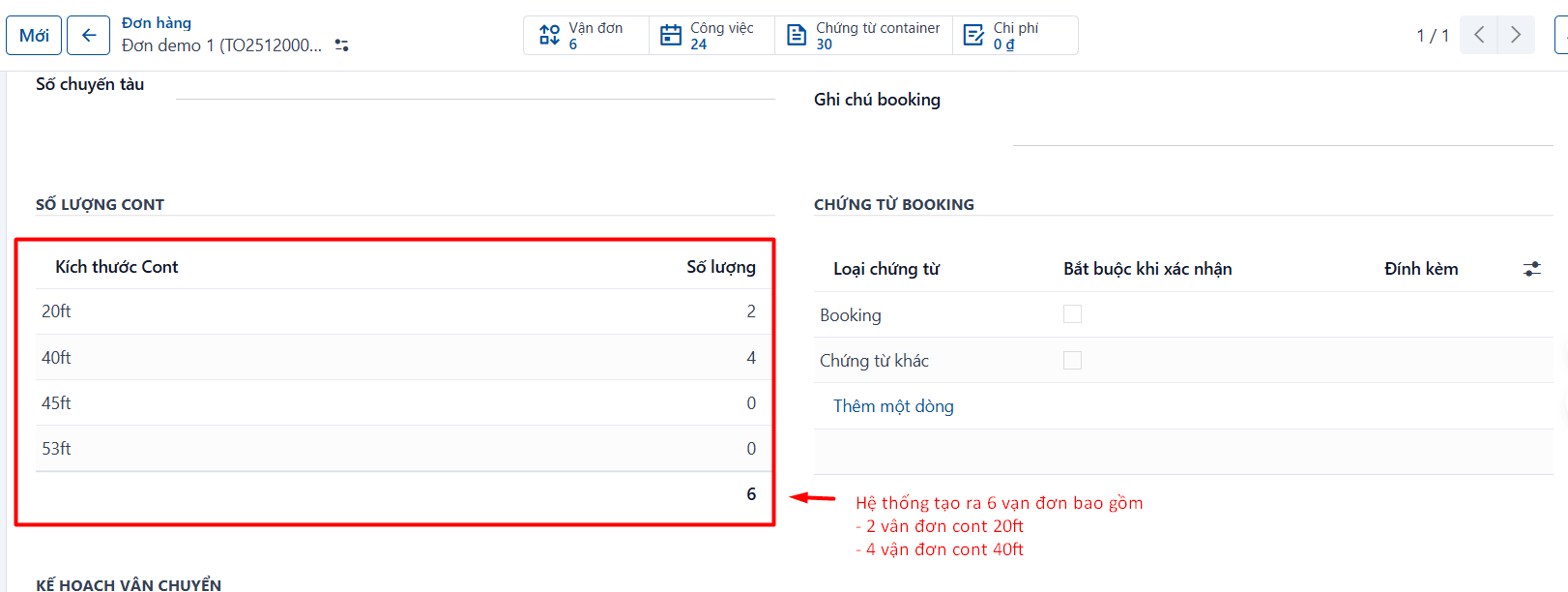
The system uses the number of containers in the booking’s order size table and creates the matching waybills automatically:
Step 2
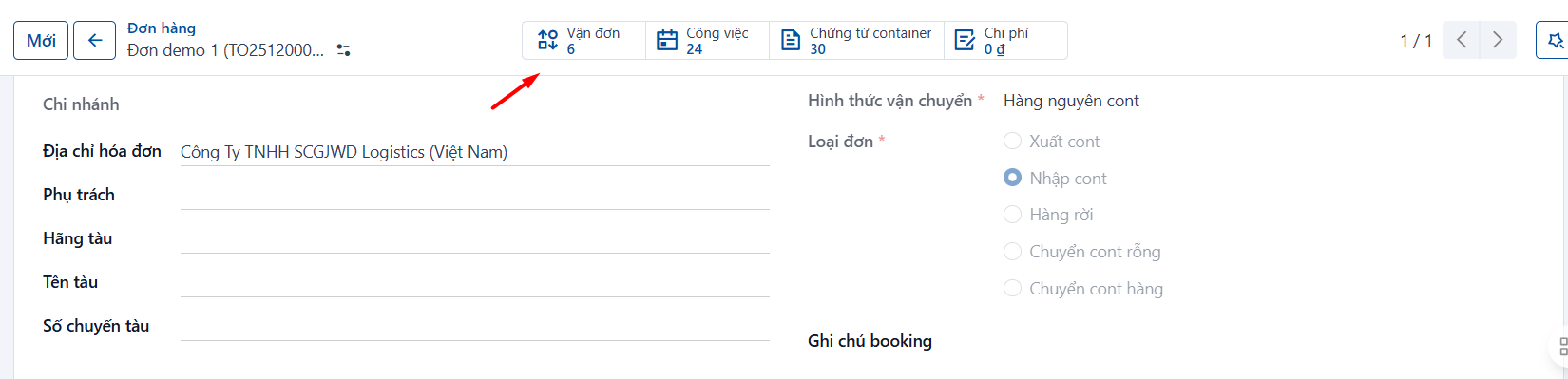
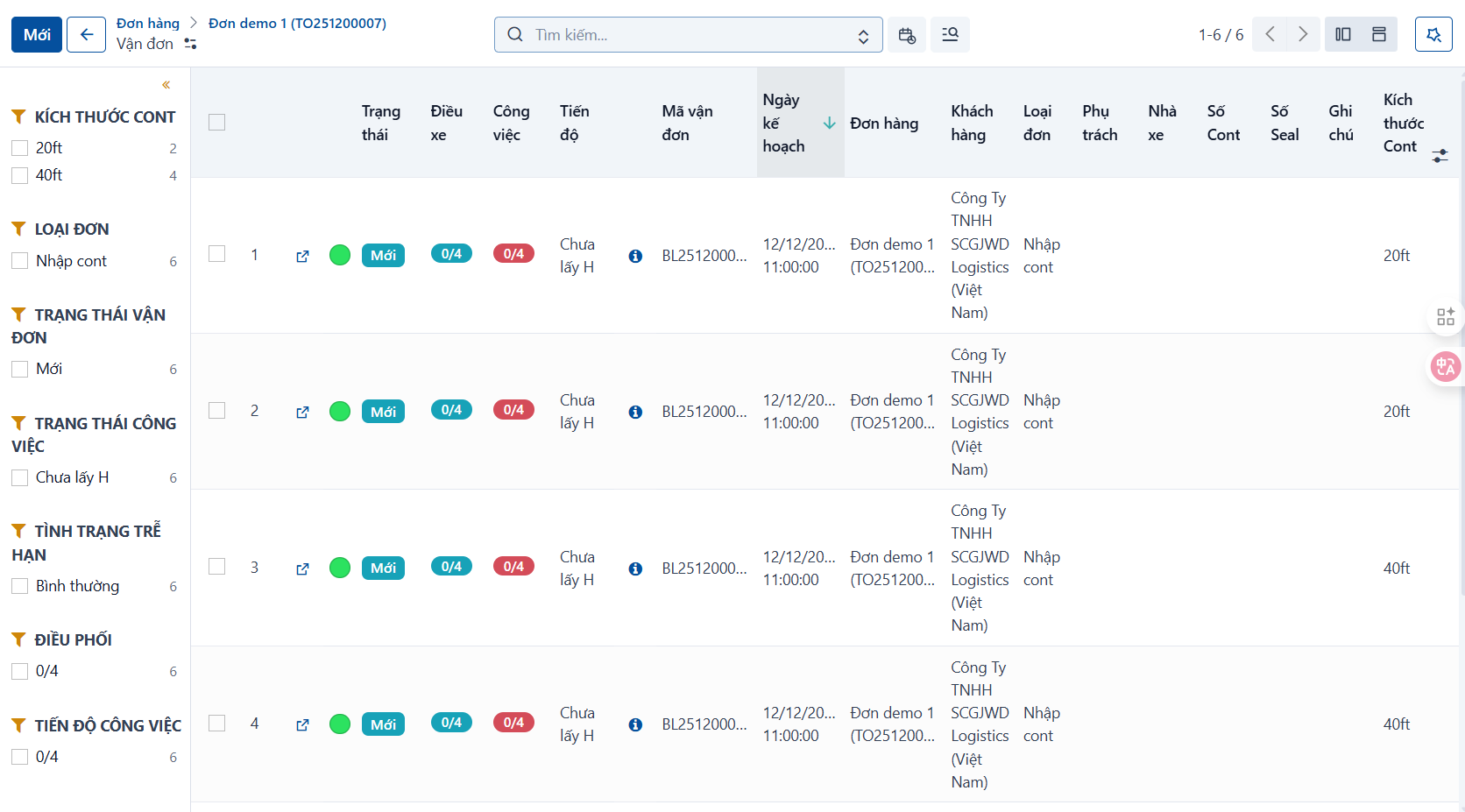
The system returns the list of containers and waybills it has just created.
-
Every container and waybill created is in the NEW state.
-
These containers and waybills are still missing data, so they are highlighted in red. Once all the required fields are filled in, the red highlight goes away.