Note
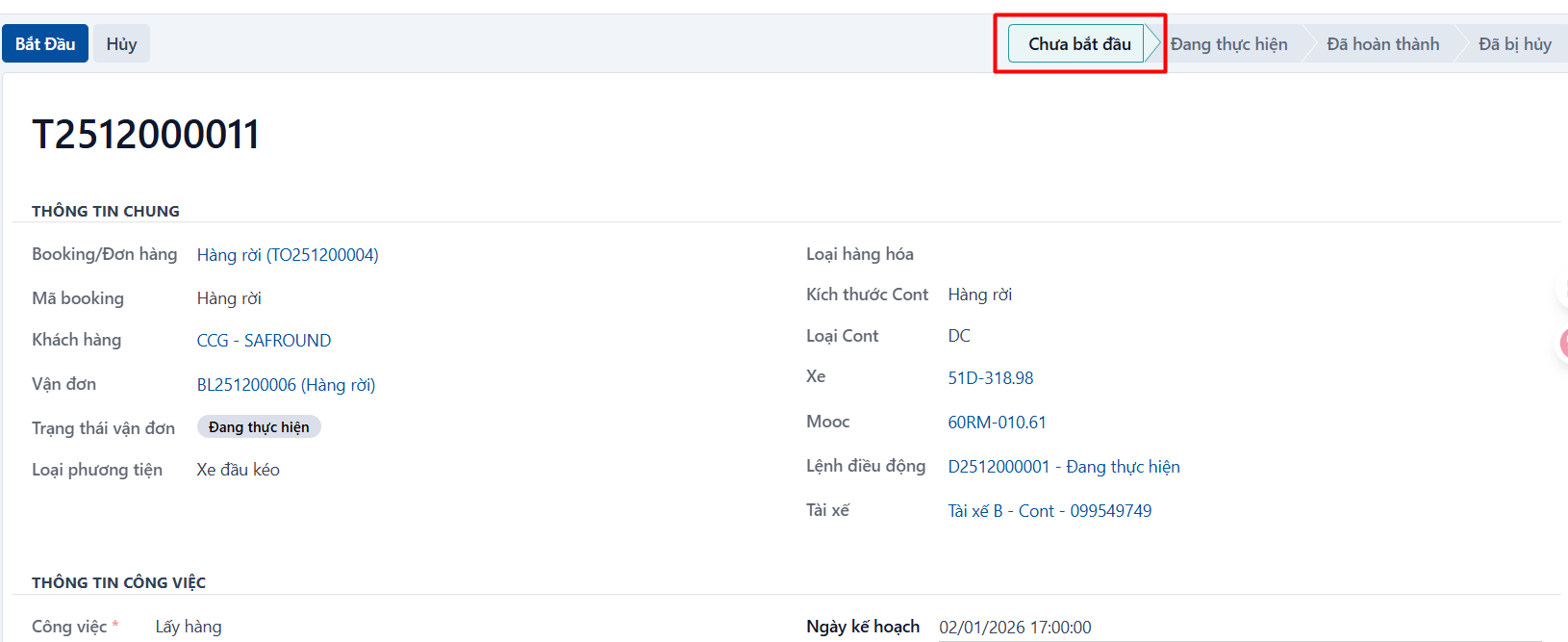
The system lets you revert a task to the not started state when it is In progress, Completed or Cancelled.
Reverting a task to not started
Step 1
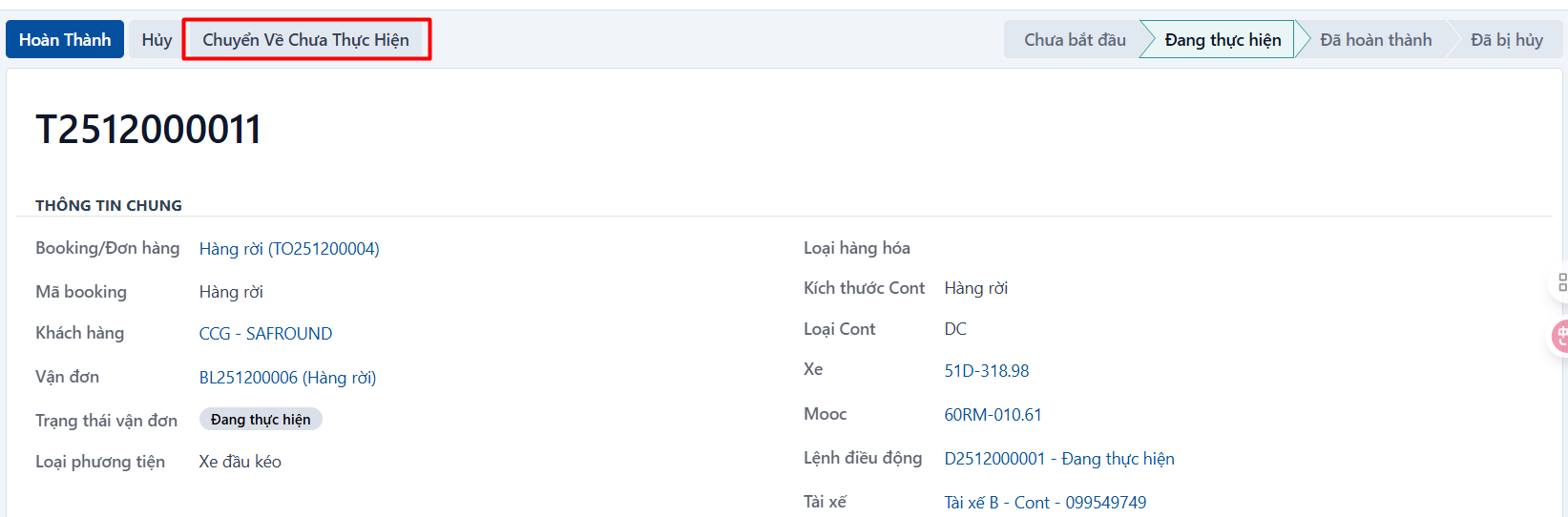
Open the task you want to revert → click REVERT TO NOT STARTED.
Step 2
The system asks you to confirm. If you are sure, click OK.

The system moves the task back to the NOT STARTED state: