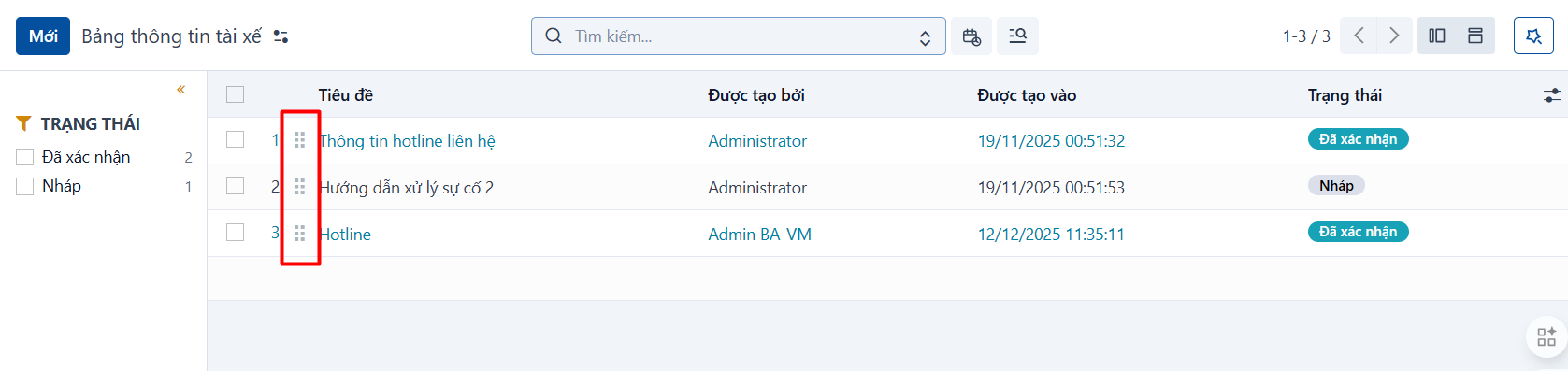
Back on the board list, you can drag and drop the boards to change their order.
Move the mouse pointer to the drag handle of a board. Hold the handle down, drag the board to the position you want, then release the mouse to reorder it.
This order is the order in which the boards appear in the Mobile App.