Note
You can only delete an order while it is NEW or CANCELED.
Deleting an order
Step 1
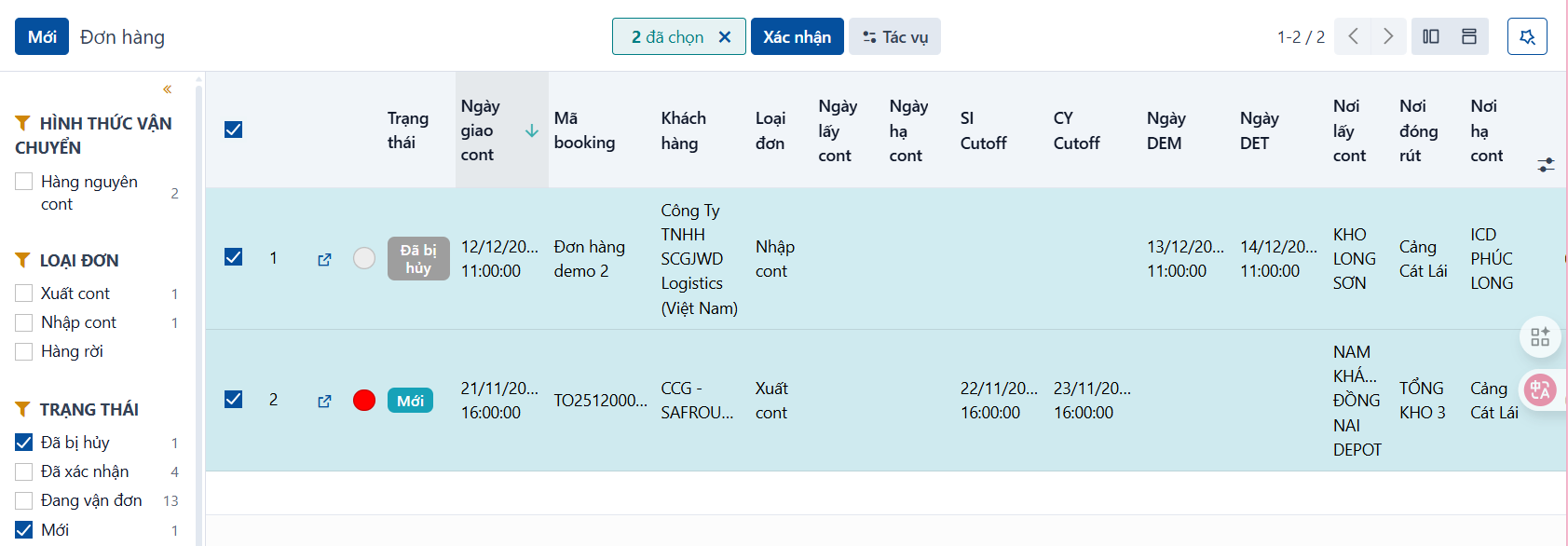
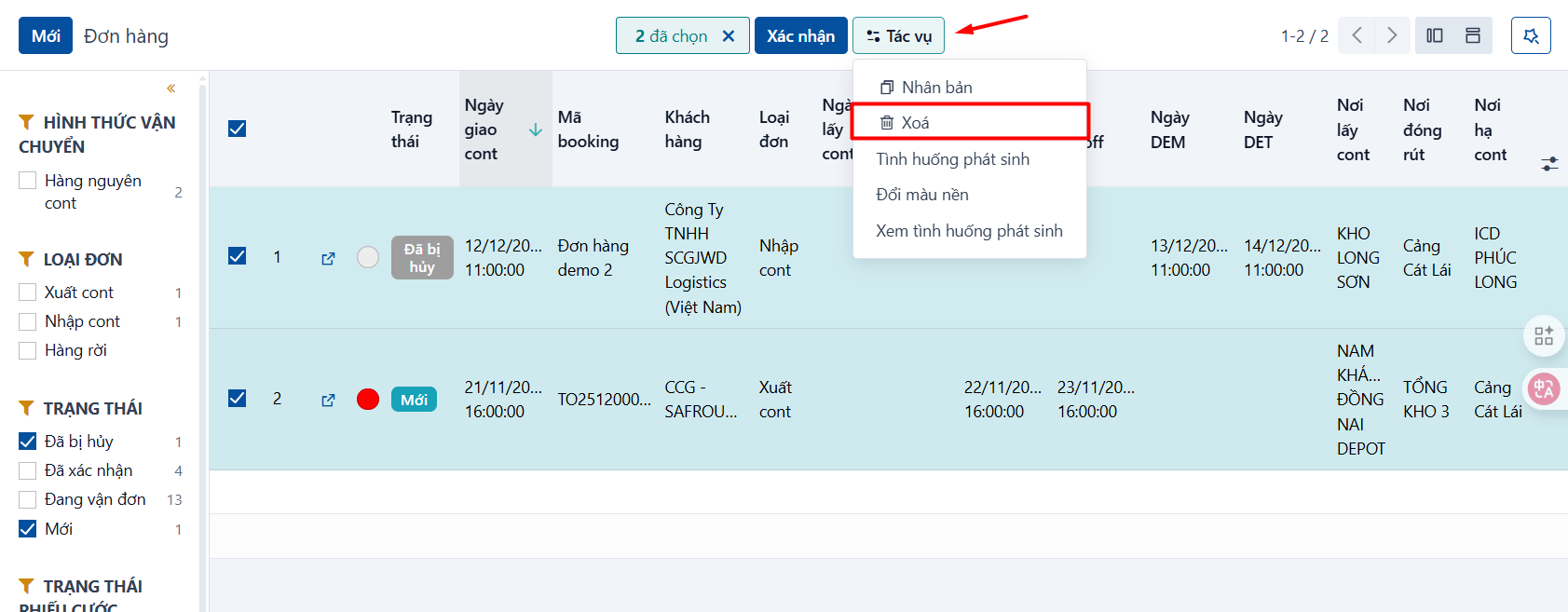
Open the order you want to delete, or open the order list and tick the orders you want to delete → click the action icon (the cog) → click the delete action, as below.
Step 2
The system asks you to confirm that you want to delete the data. If you are sure, click OK.
