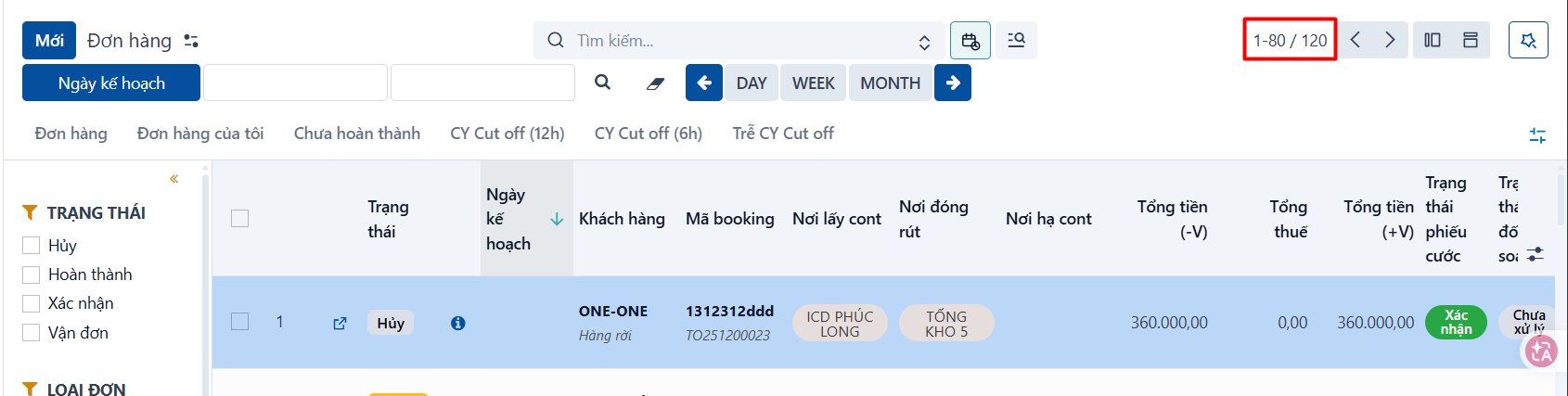
In the list view, when there is a lot of data the system paginates it. In the example below there are 165 records in total and the system is showing records 1 to 80:
-
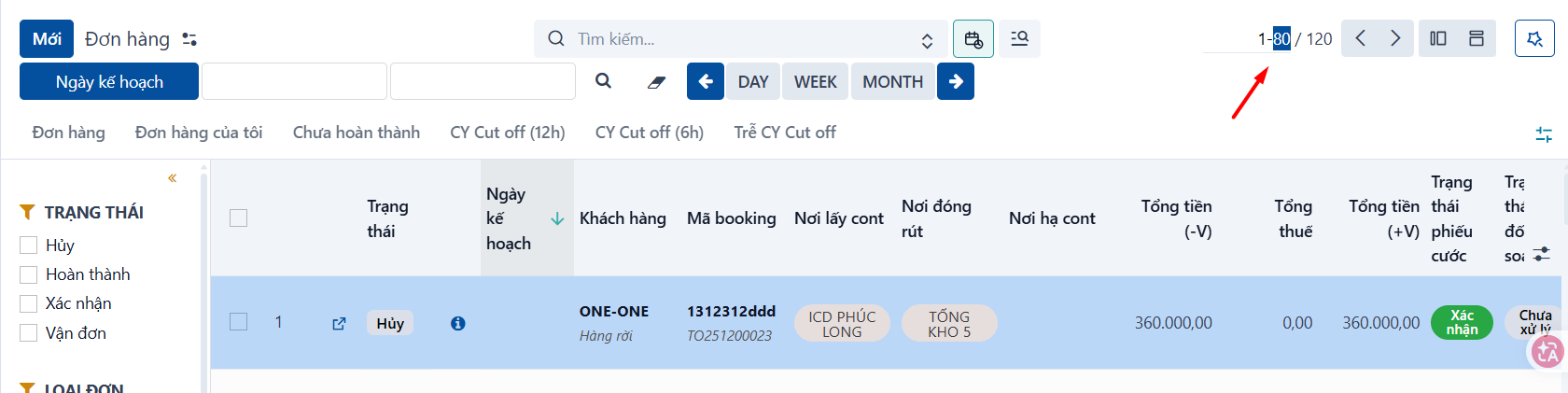
You can click “1-80” to enter how many records you want to show.
-
Or click the
 icon to move between pages.
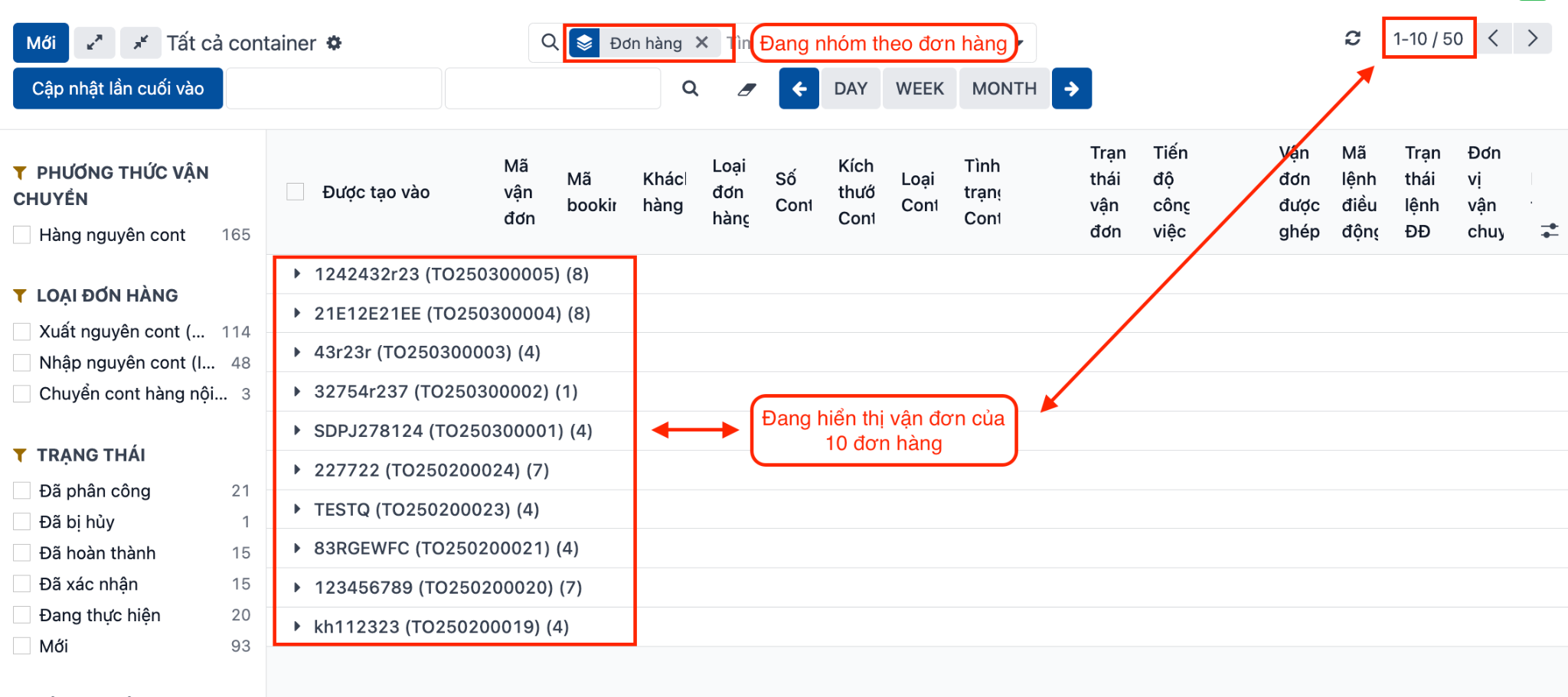
Note: If the data is grouped, the pagination shows the number of level-1 groups. In the example below — the container and waybill list grouped by order — the pagination shows the number of orders, which is what the data is grouped by.
PREVIOUSShowing and hiding columns