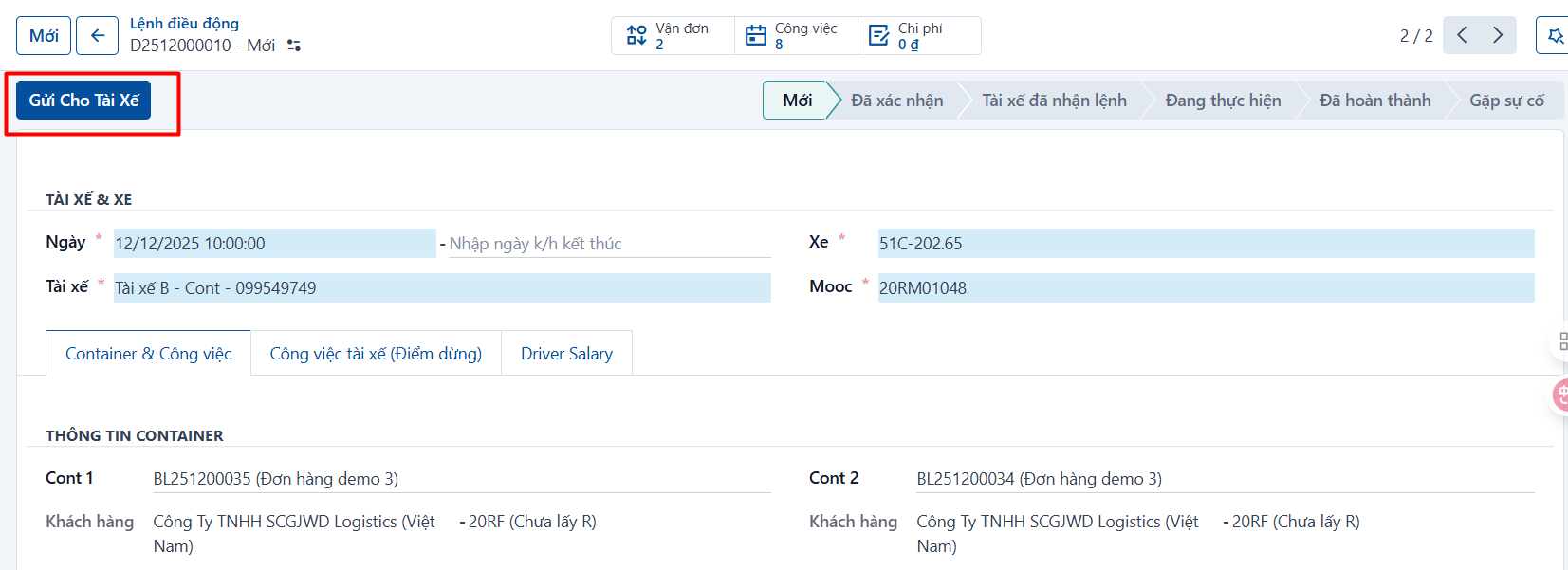
Once the dispatch order has been created with all its details, the dispatcher reviews everything on it and gets ready to send it to the driver.
To send the order to the driver, click “Send to driver” on that dispatch order.
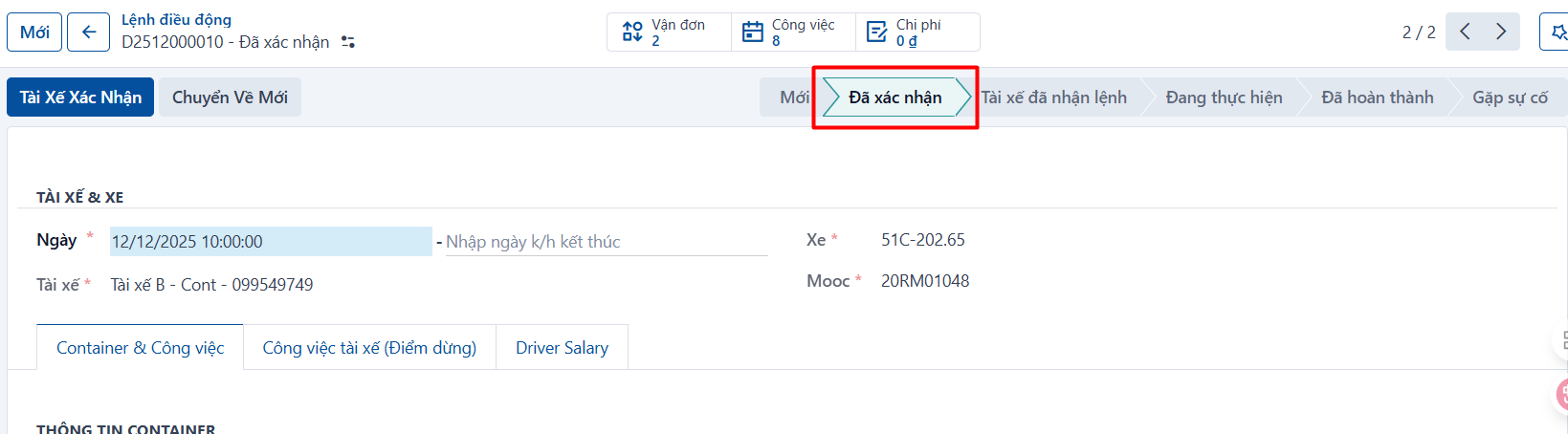
Once confirmed, the dispatch order is sent through the mobile app to the driver assigned to it, and on the dispatcher screen the order moves to the “Confirmed” state.