Access
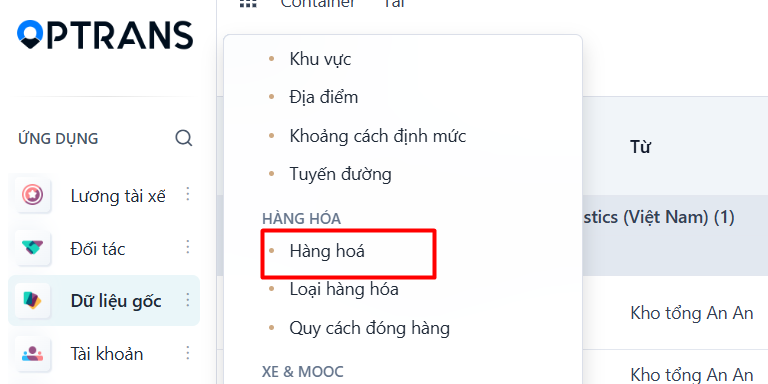
Menu: Master data > Cargo catalog > Cargo names
Access rights: Users with Master Data management rights
Use the path above to open the screen where you create a new cargo record.
Steps
Step 1
Click NEW to create a new cargo record.

Step 2
The system adds a new data row on the list view. Enter the cargo information.

Fields to fill in
| No. | Field | Notes |
|---|---|---|
| 1 | Cargo name | Enter the name of the cargo. |
| 2 | Cargo code | Enter the cargo code. The system does not allow duplicate codes. |
| 3 | Description | Enter a description of the cargo. |
| 4 | Active | Select this so the cargo is shown. |
Step 3
Click SAVE to save what you have entered.

Result
The cargo record has been created successfully.

PREVIOUSRoute groups
NEXTCargo properties