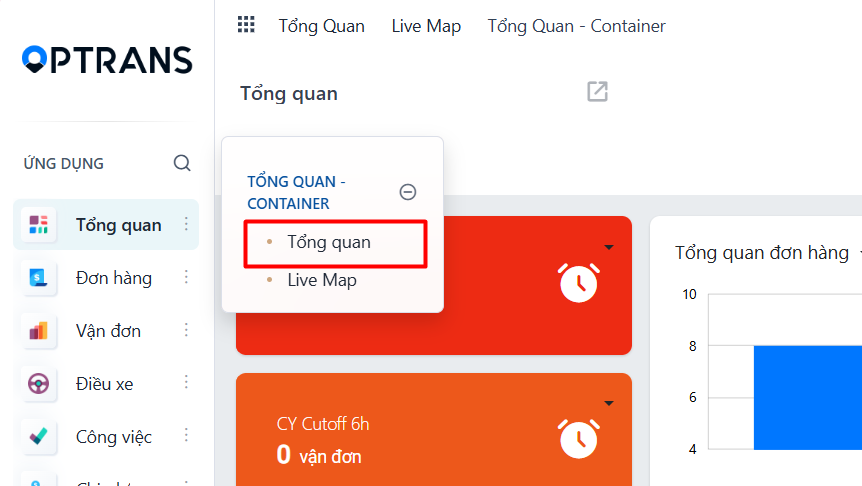
Go to the Dashboard menu and click the “Overview” report:
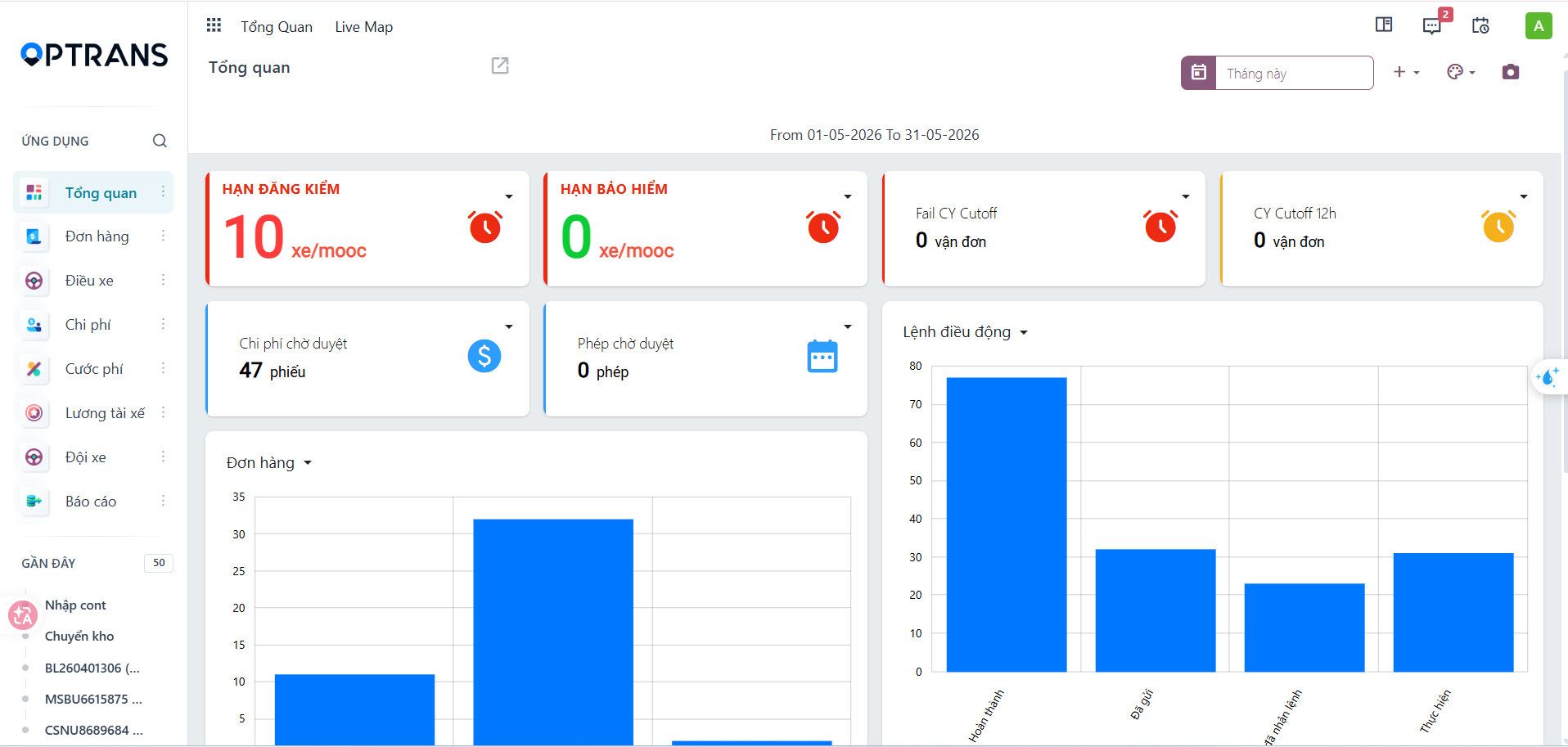
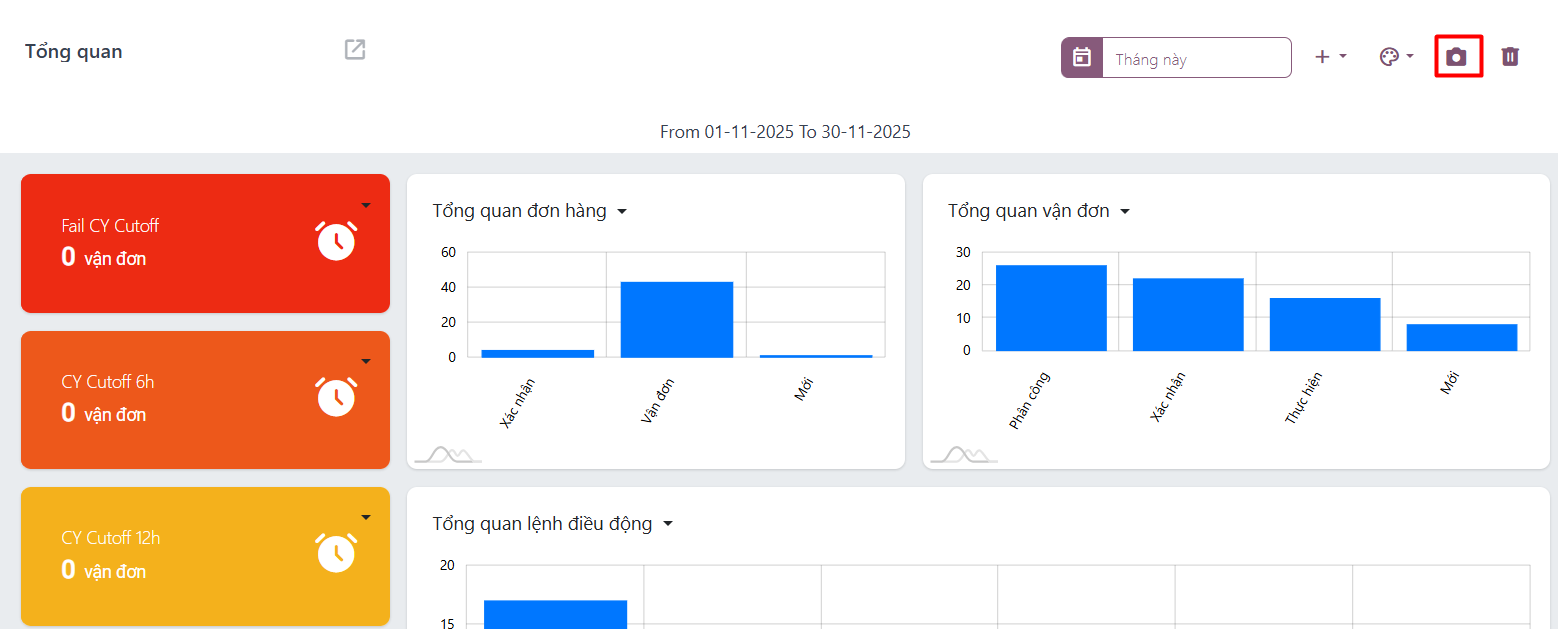
The overview reports currently available in the system:
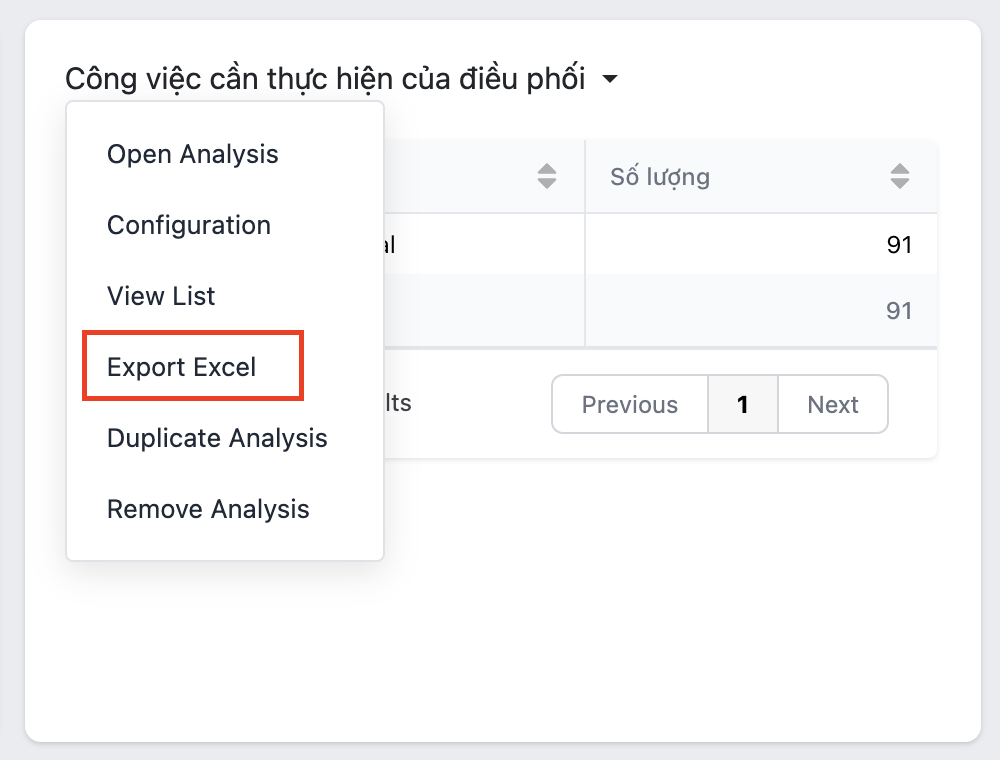
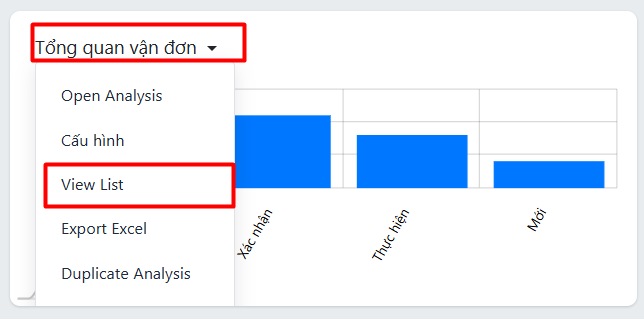
To see the matching records, click the report name and then click View List, or click:
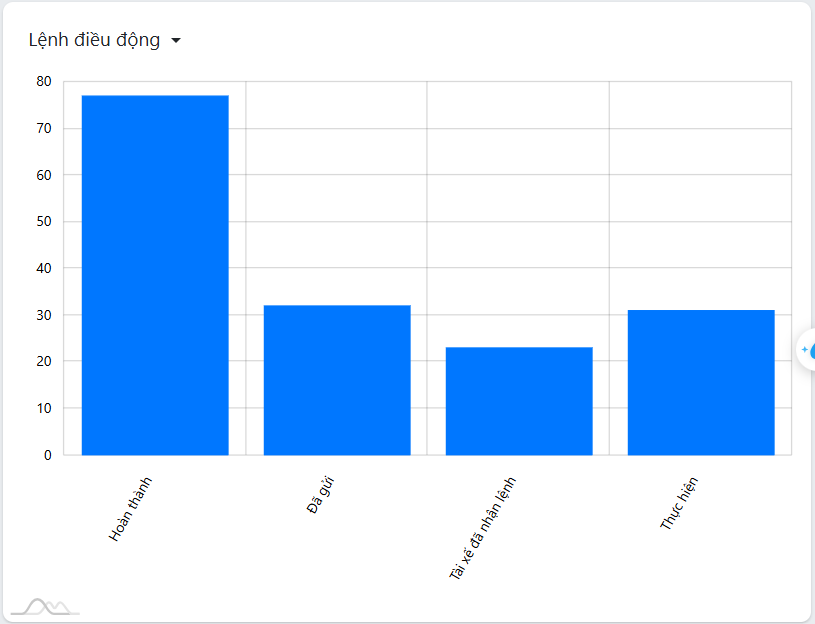
To export a report to PDF, click the camera icon to capture the report and export it as a PDF:
To export a report to Excel, click the report name and then click Export Excel: