Creating a leave request
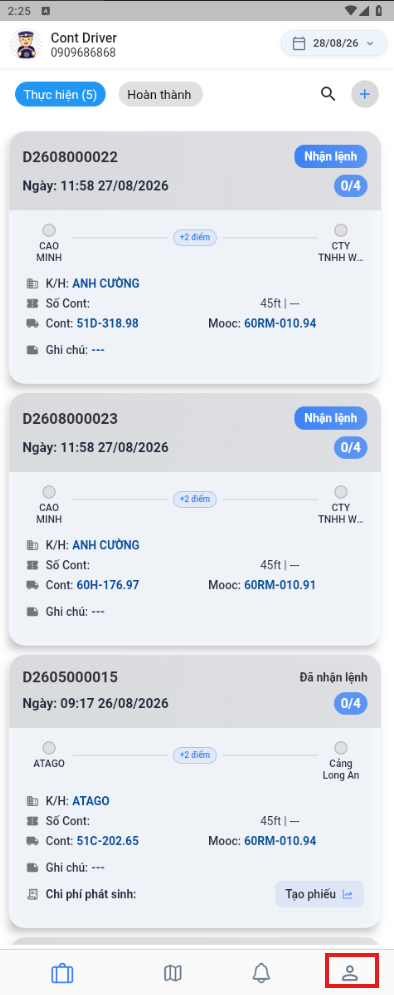
- Open the User management menu.
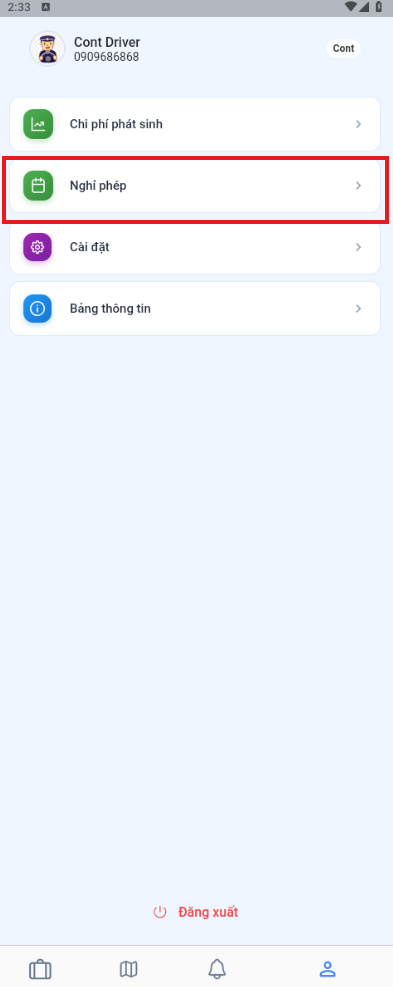
- Select Leave.
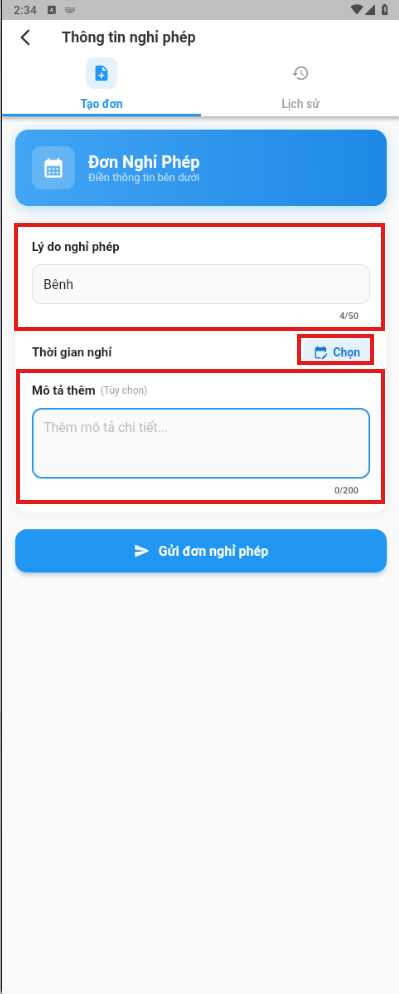
- Enter a reason and select the leave dates.
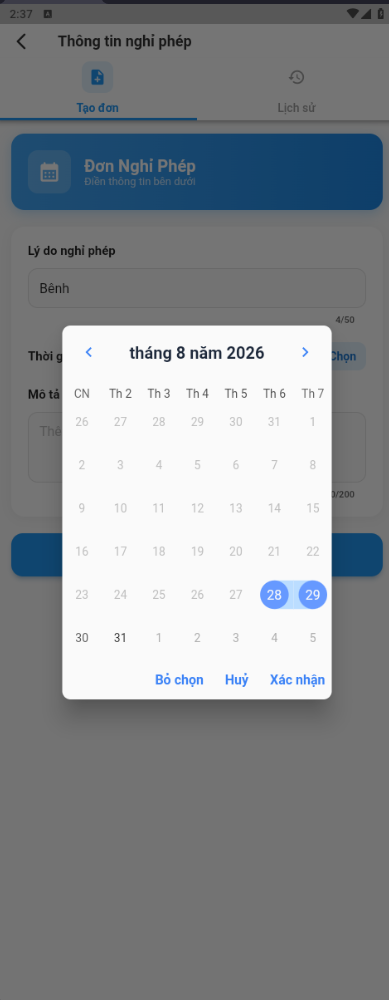
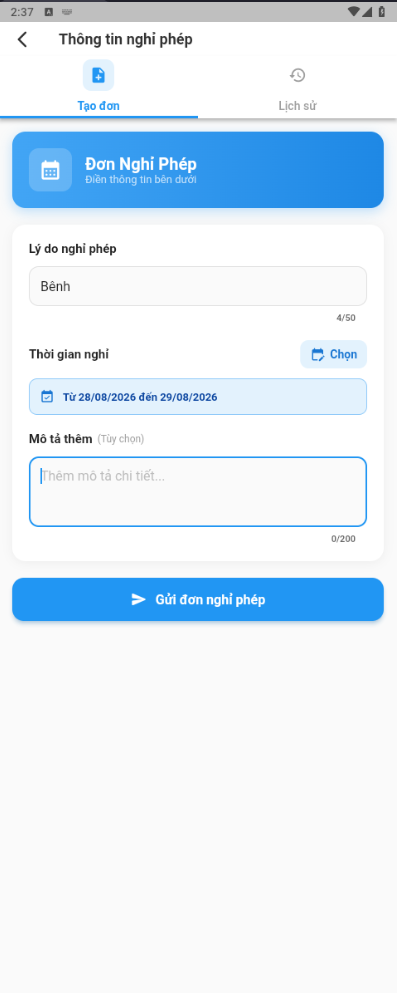
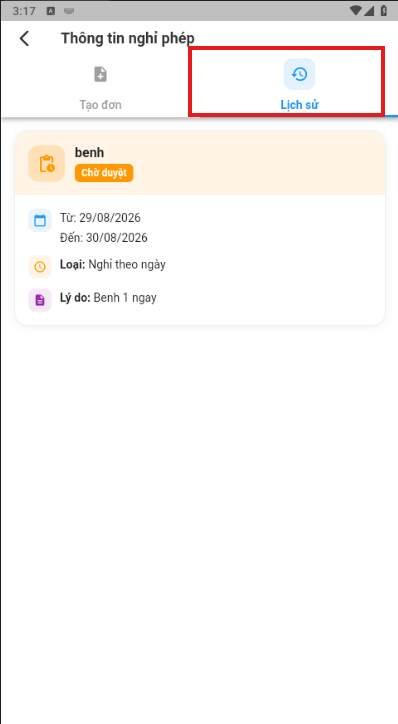
- Review the list of requests and their processing status.
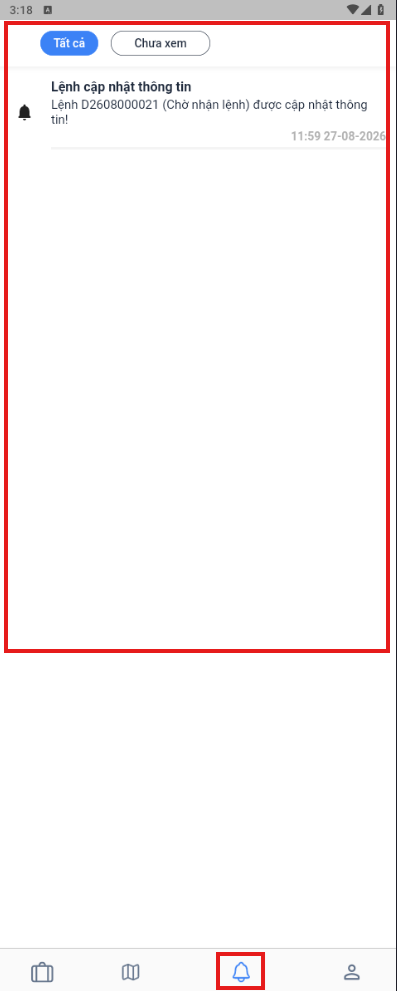
Viewing notifications
When a new dispatch order arrives, or when a dispatch order, task, expense, or leave request is updated, the system sends a notification to the phone. Tap the bell icon to review the list.