Note
The system lets you cancel a task, but only while it is NOT STARTED.
If you cancel every task of a container or waybill, that container or waybill also moves to the CANCELED state automatically.
Canceling a task
Step 1
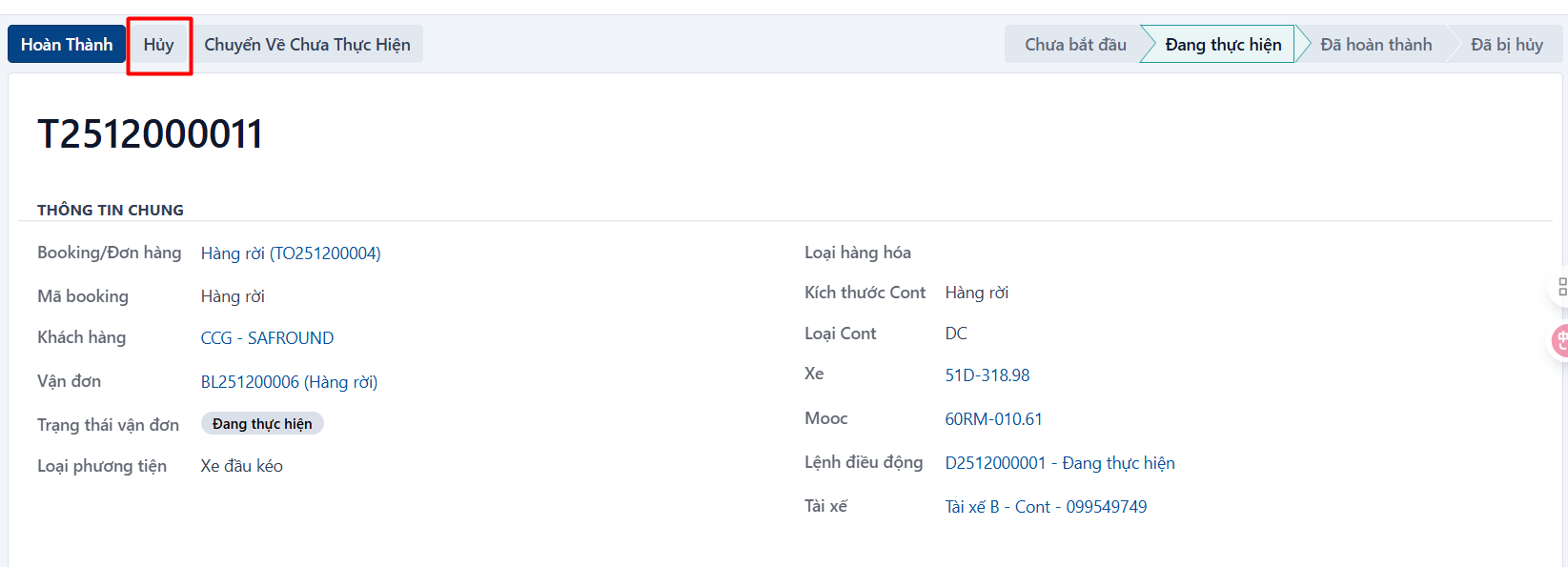
Open the task you want to cancel → then click CANCEL.
Step 2
The system asks you to confirm. If you are sure, click OK.

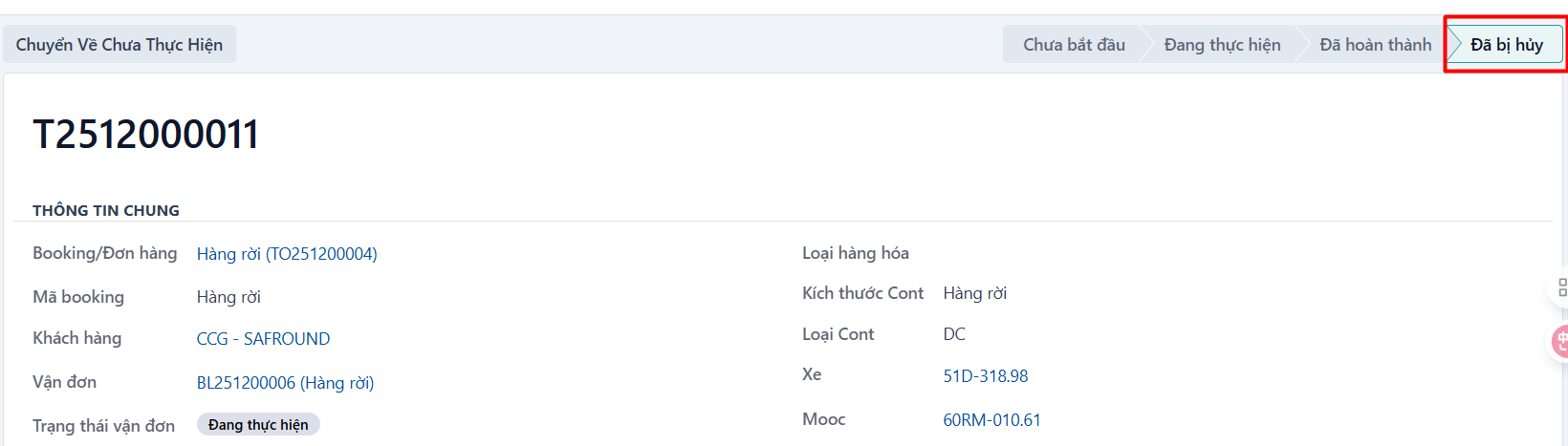
The system moves the task to the CANCELED state:
PREVIOUSReverting a task to not started
NEXTDeleting a task