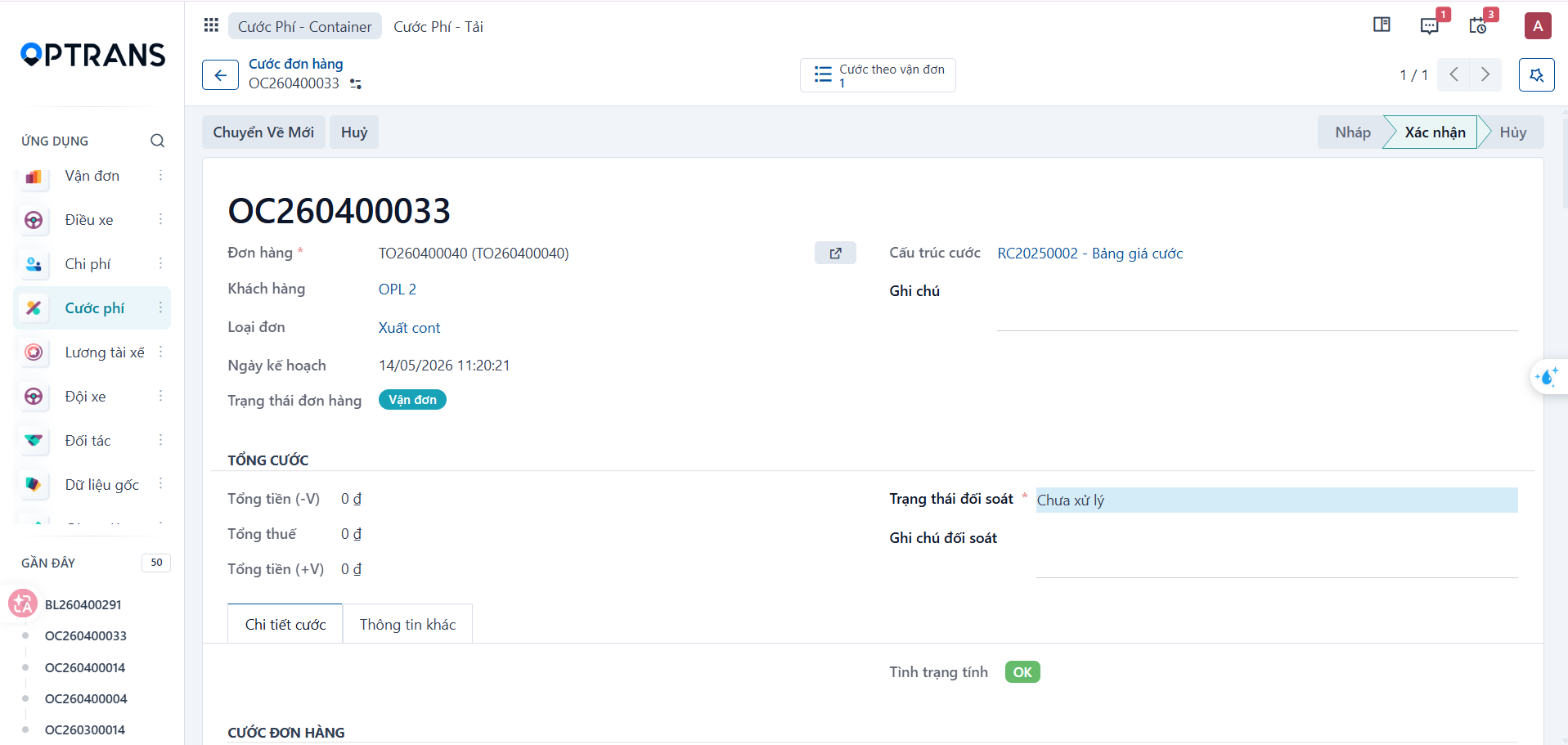
Overview
The system calculates order charges automatically based on the configured charge structure, the freight rate for the route, the customer information, and any surcharges that have been incurred.
Accessing and selecting an order
Step 1
Go to the Freight charges > Order charges menu.
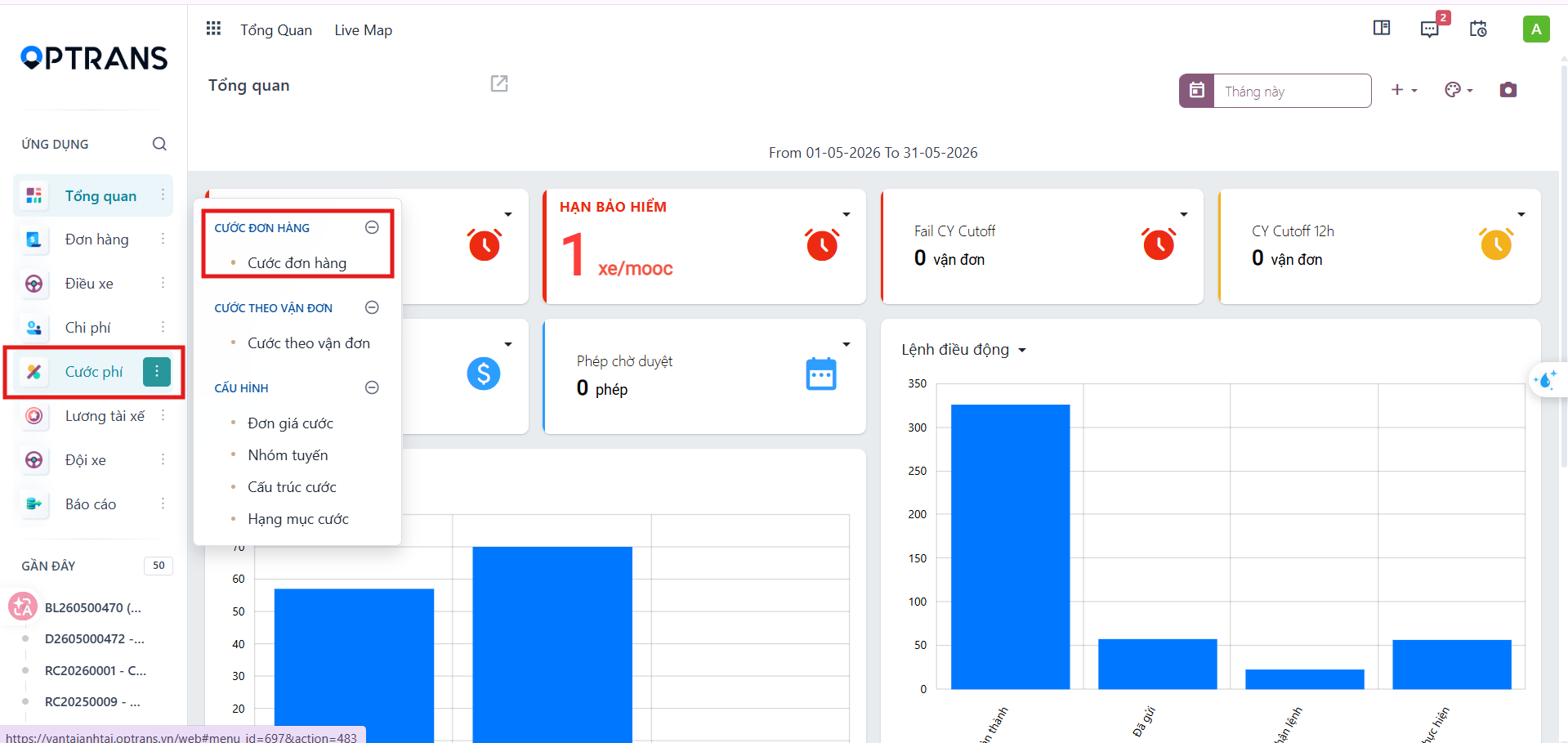
The system shows the freight charge management list.
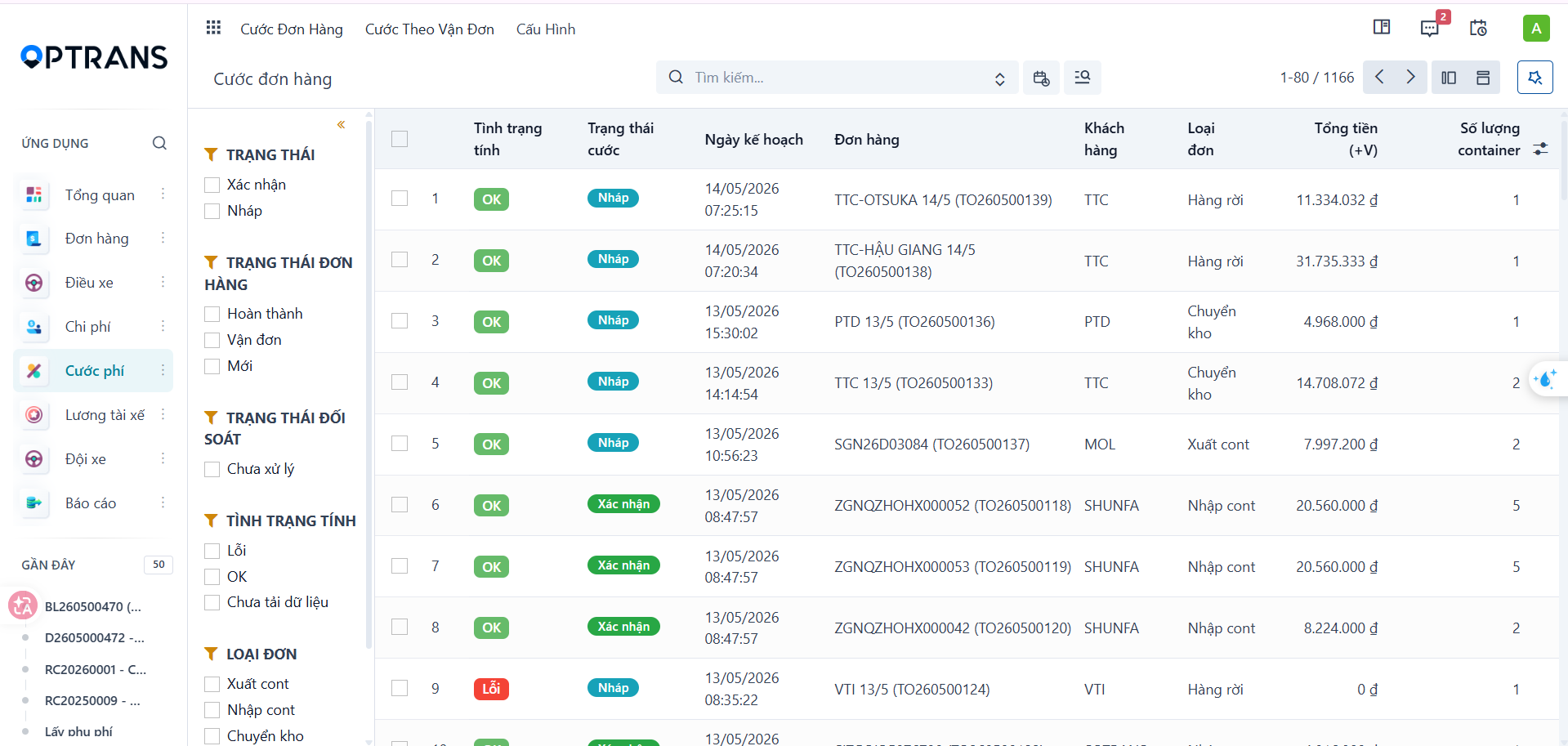
Step 2
Select the order you want to calculate charges for to open its details screen.
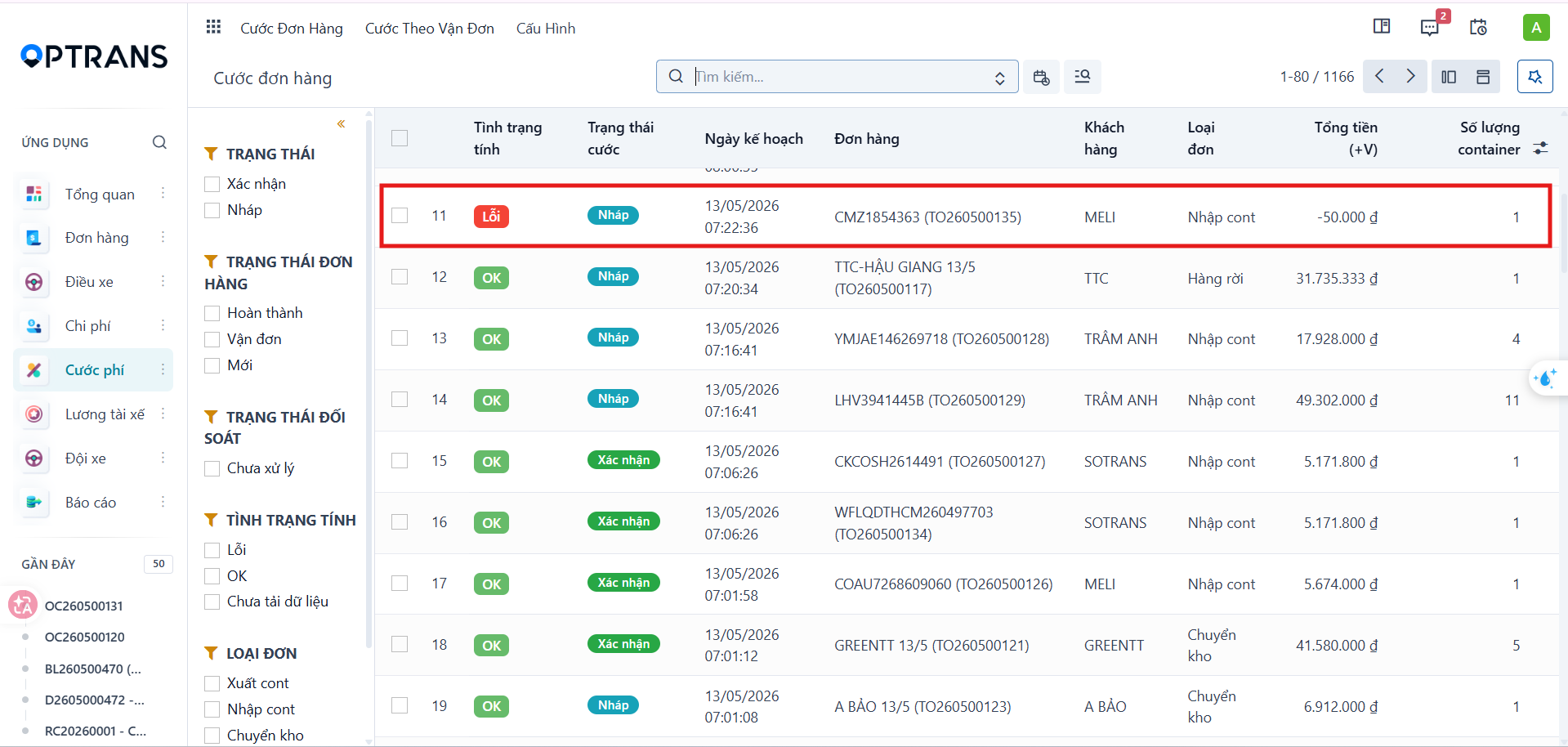
The system opens the charge details page for the selected order.
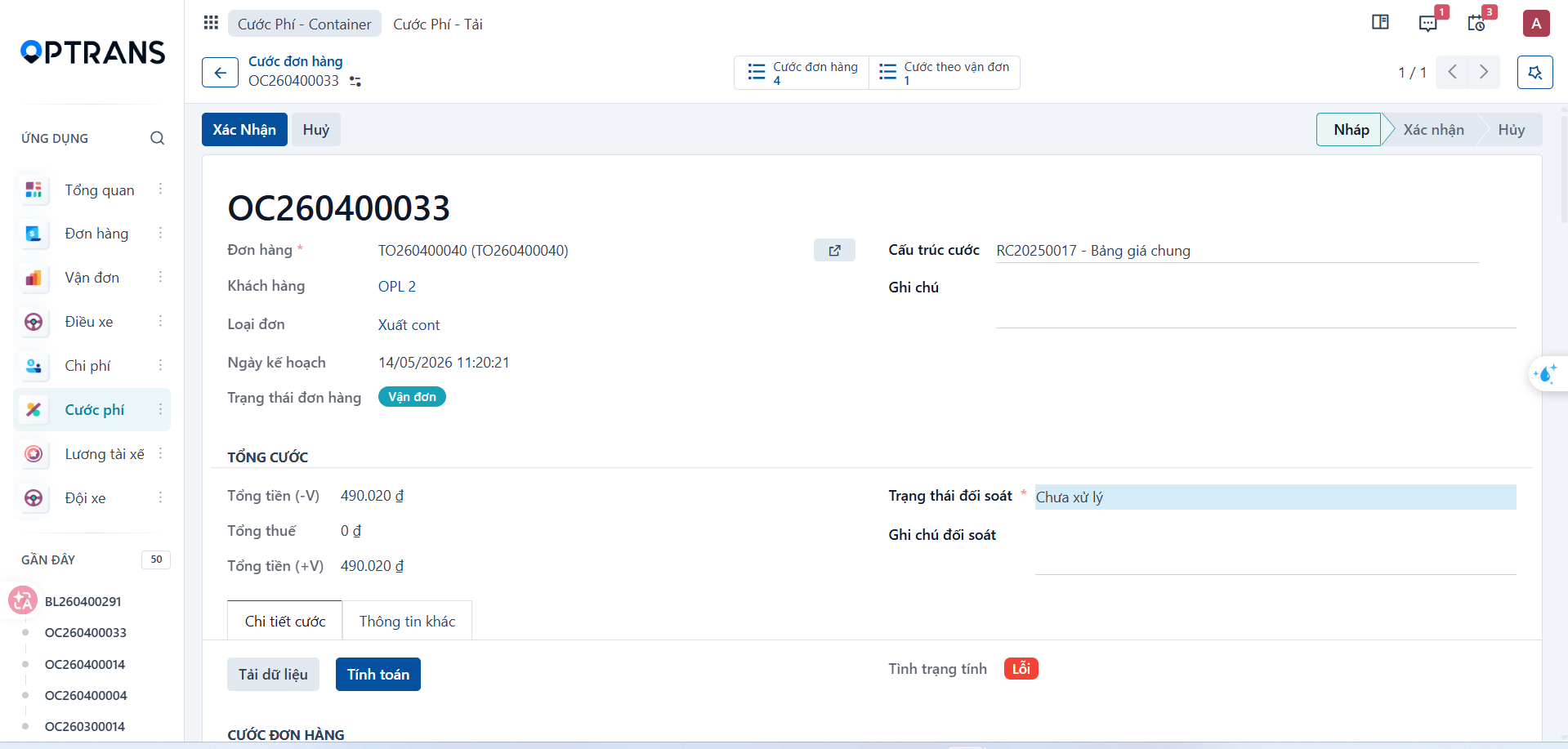
Conditions to check before calculating
Before calculating charges, check the following:
- The correct charge structure is selected.
- A freight rate matching the route and the customer exists.
- All surcharges have been confirmed.
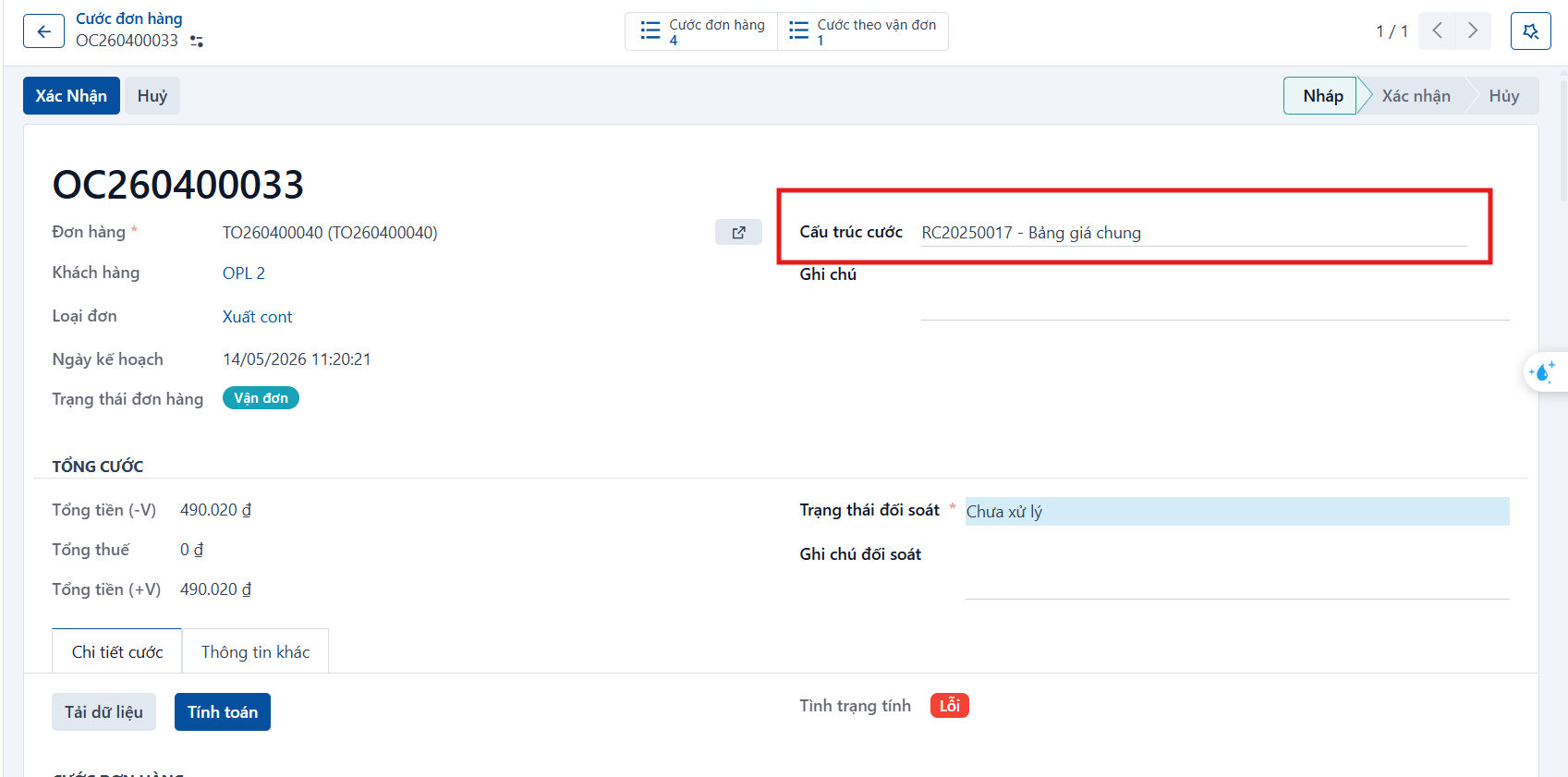
Note: For a route or a customer that appears for the first time, check and update the rate before calculating. Once the data is configured, the system remembers it and applies it the next time.
Loading the data
Step 1
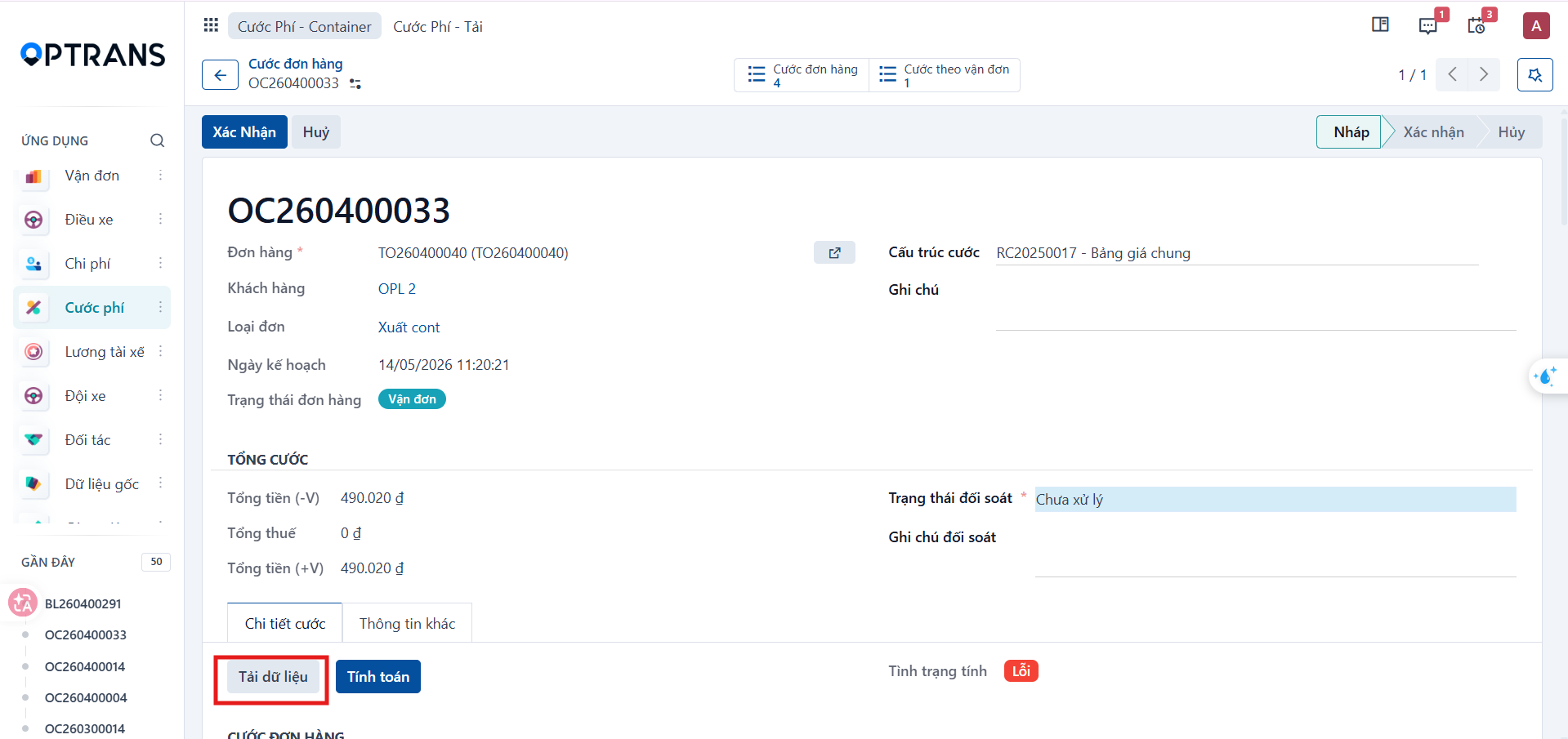
Click Load data to load the items used for the calculation.
Step 2
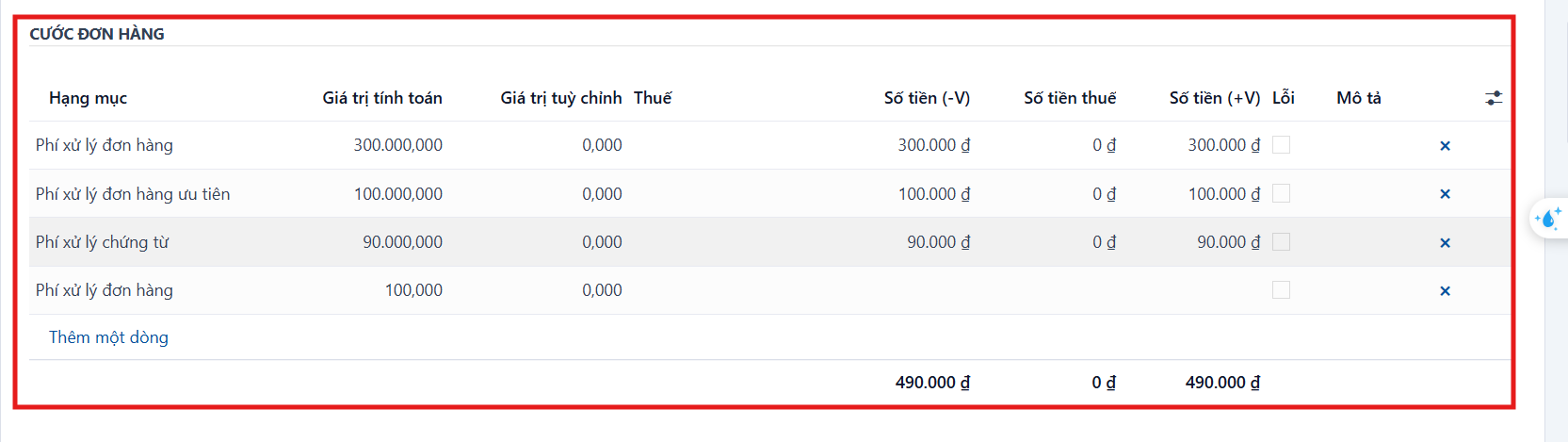
Once the data has loaded, check the item lines in the Order charges section.
Calculating
Step 1
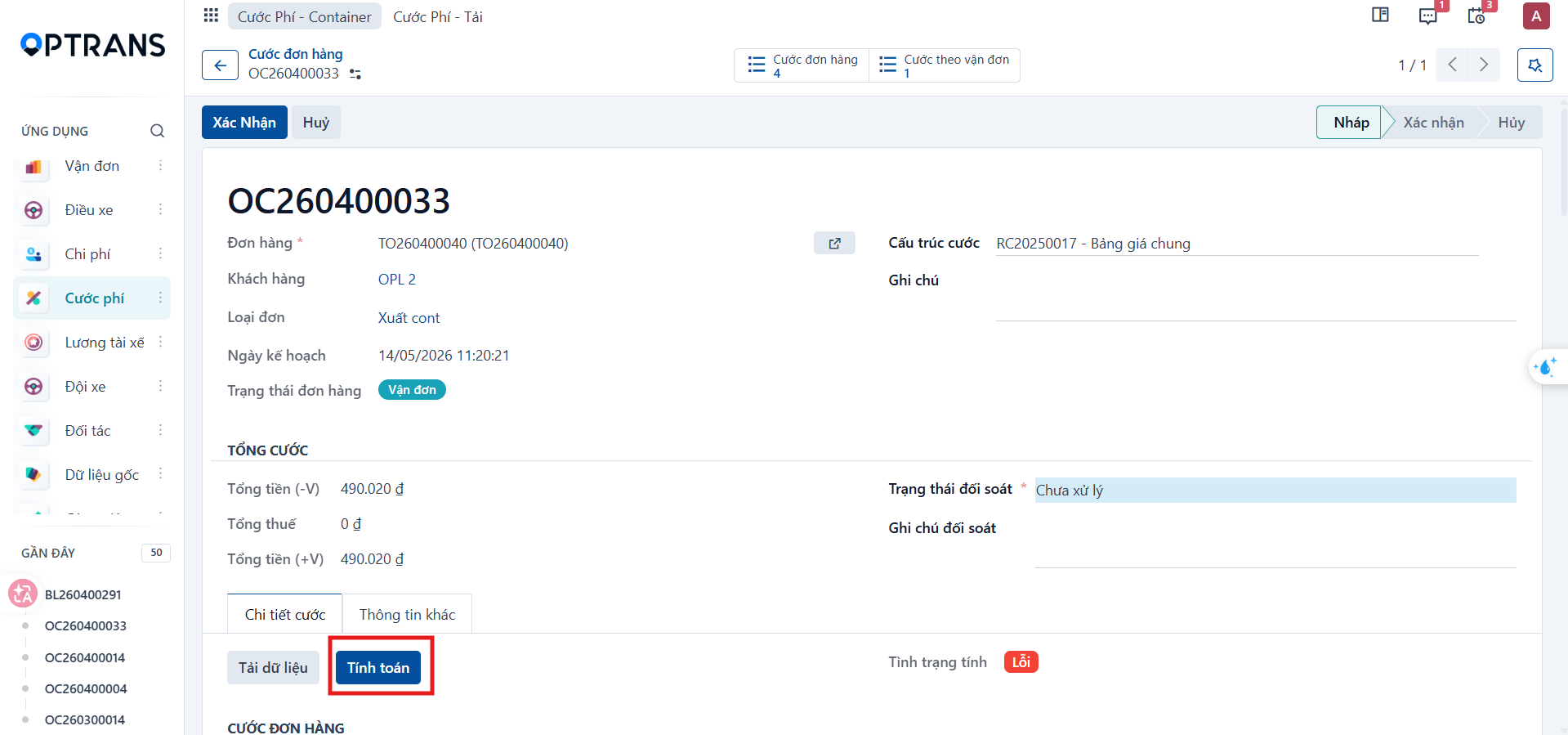
Click Calculate.
Step 2
Select OK in the confirmation dialog to start the calculation.

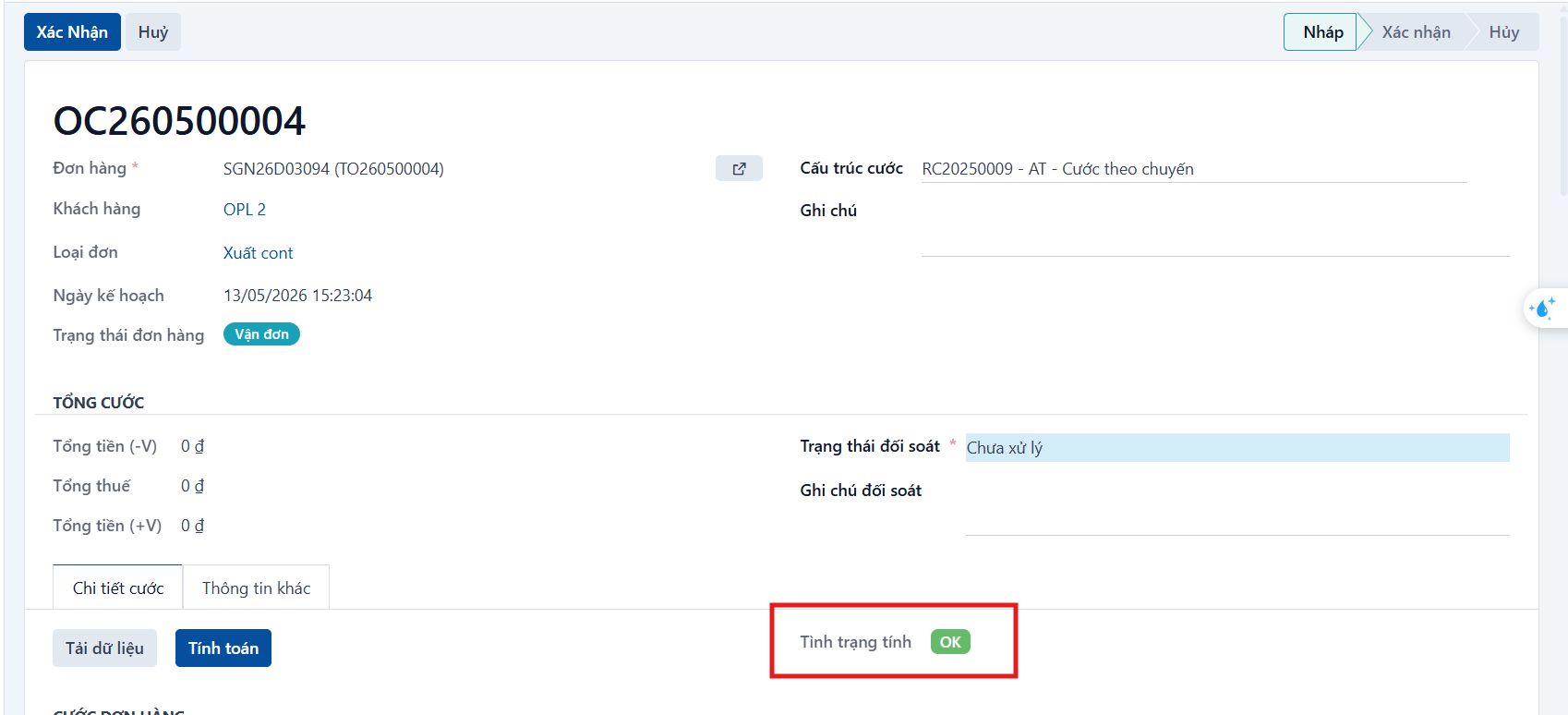
When the calculation succeeds, the system applies the charge structure, takes the matching rate, adds the confirmed surcharges, and calculates the total customer freight amount together with the related costs.
Confirming the charges
Step 1
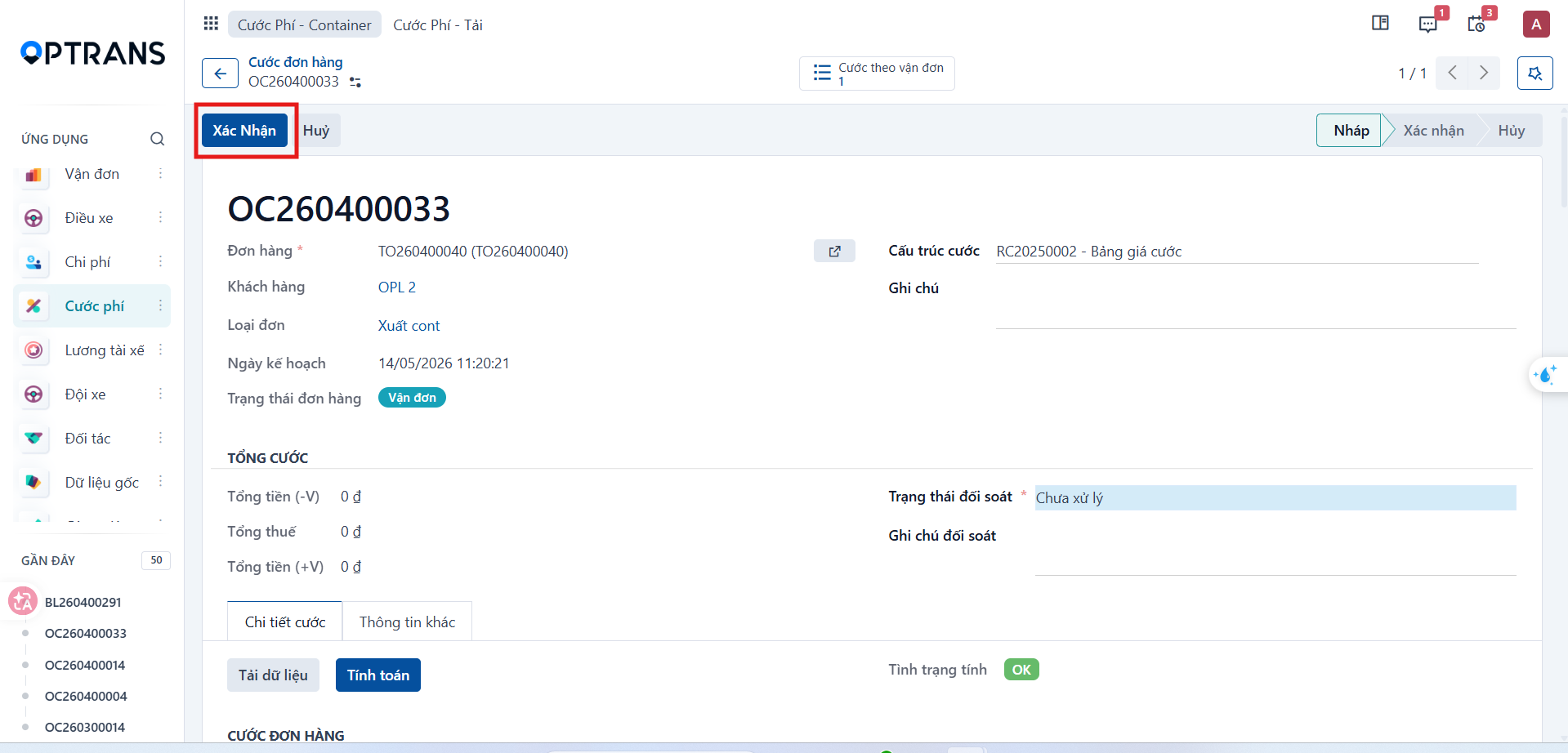
After reviewing the result, click Confirm.
Step 2
The system records the order charges as confirmed.